Featured
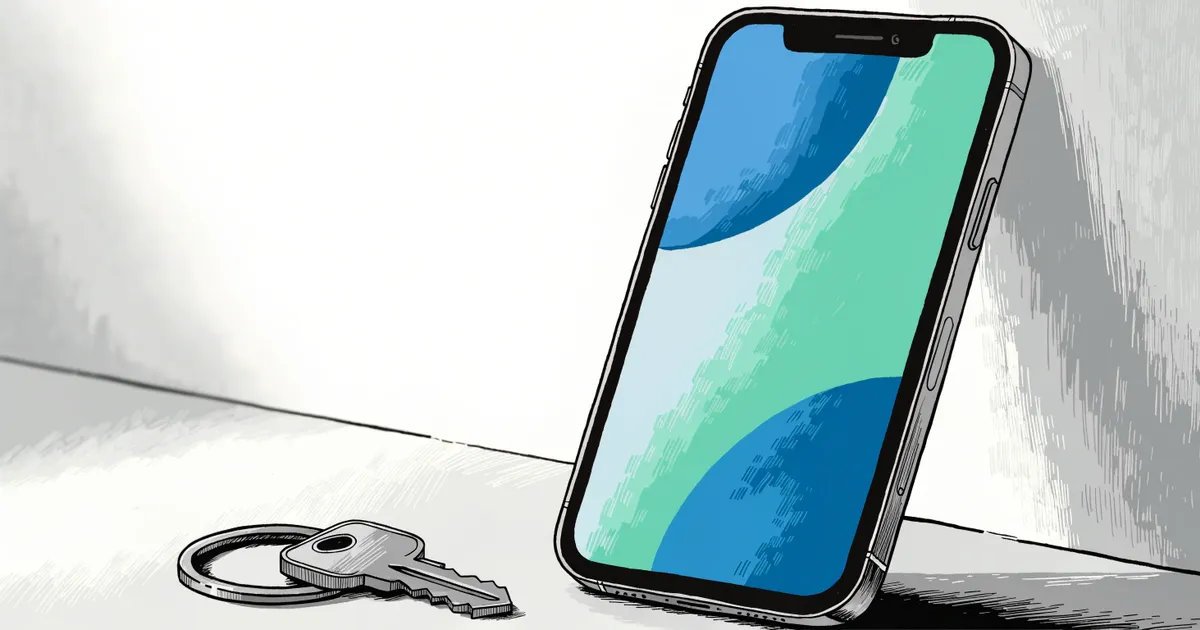
Free Password Manager for iPhone That Beats Apple Passwords
Proton Pass and Bitwarden set against Apple's own Passwords app on an iPhone, with what their free plans hold and what paying would cost.
 David Chen
4 min read
All guides
Plain-English answers to the security questions we get asked most — passkeys, breach response, and what a "free tier" actually covers.
Proton Pass and Bitwarden set against Apple's own Passwords app on an iPhone, with what their free plans hold and what paying would cost.
David Chen
Proton Pass and Bitwarden both autofill for free on Android. Each has a catch, and NordPass costs least once you pay.
 Emma Rodriguez
Passkeys still need somewhere to live, and most of your accounts still use passwords. Why a vault stays useful, and which one handles passkeys well.
Emma Rodriguez
Vaultwarden, the official Bitwarden server and KeePassXC compared for anyone leaving LastPass to run their own vault.
David Chen
Which free Android password managers fill your logins for you, where each one falls short, and what an upgrade costs.
Emma Rodriguez
Which password manager is simplest for an older reader to set up and read, what each costs, and how family members can step in.
Emma Rodriguez
1Password, NordPass, Keeper Security, LastPass and Zoho Vault compared for a small legal practice on price, breaches, sharing and staff recovery.
 Sarah Mitchell
Which password manager lets a grown child step in if a parent falls ill, how emergency access works in RoboForm and Keeper, and what a year costs.
Sarah Mitchell
You’ve probably been told to use a password manager. The next question is how it knows your logins on your phone, laptop and tablet without exposing them to anyone else.
Emma Rodriguez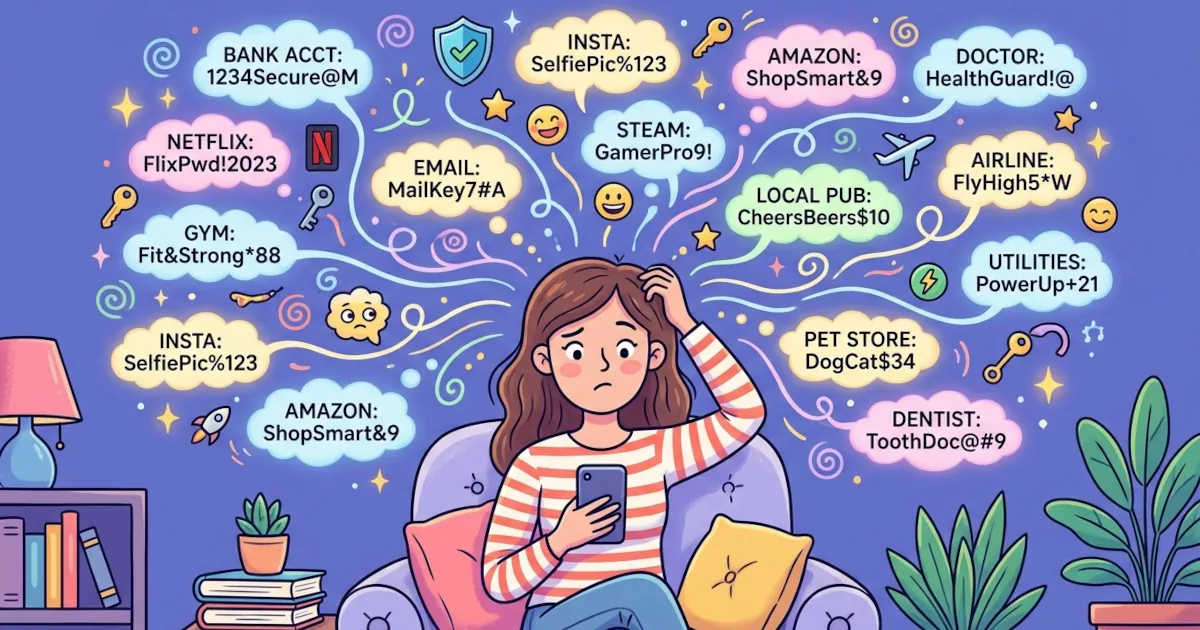
You’ve probably done it. You sign up for a new site and think, “Ugh, another password… I’ll just reuse the one I always use.”
Sarah Mitchell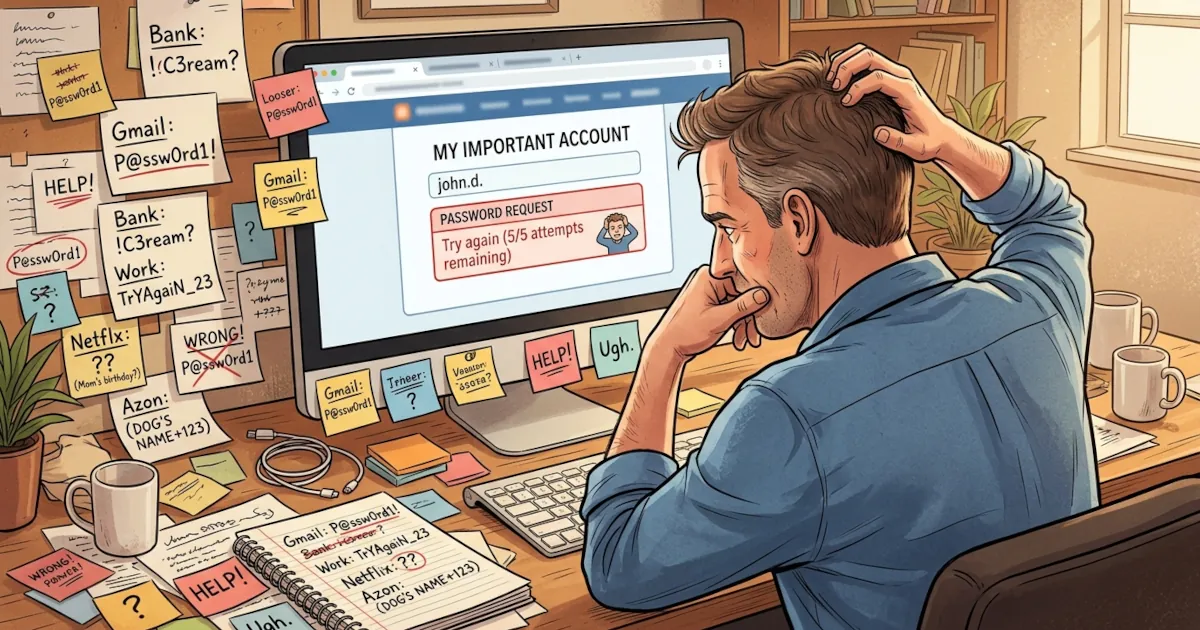
If you’ve ever forgotten a password, reused the same one everywhere or felt nervous typing your details into yet another website, a password manager can help.
David Chen
So you’ve finally decided to stop memorizing 47 variations of the same password. Good. Here’s what to get in place before you start using a password manager.
David Chen