Featured
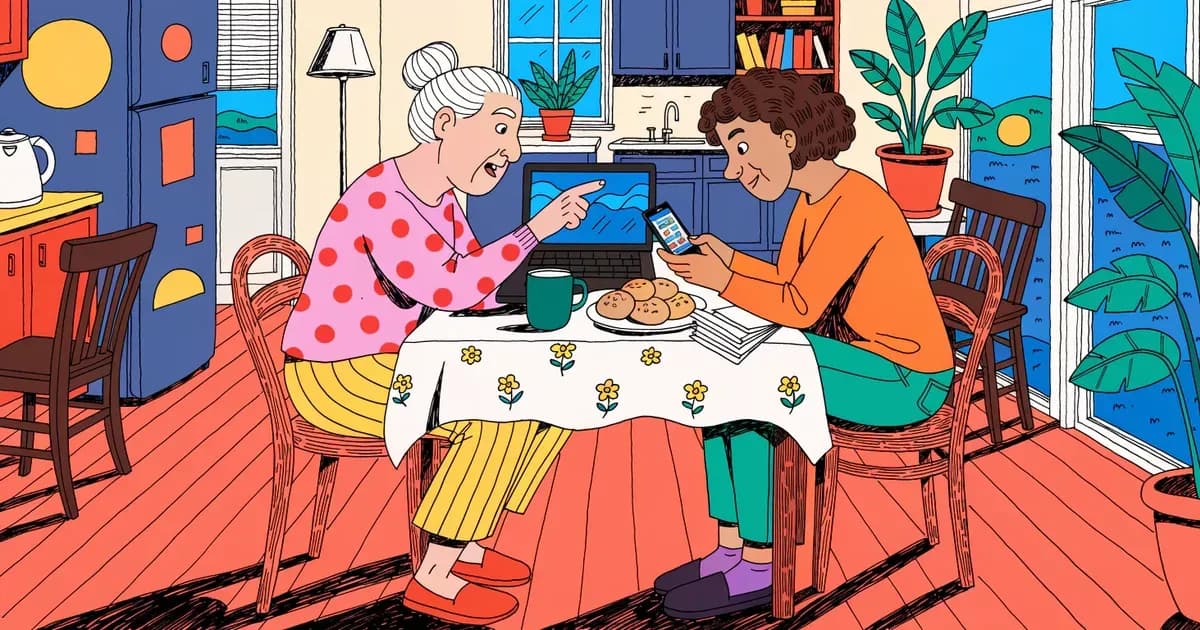
Best Password Manager for Elderly Parents: Recovery and Cost
RoboForm puts emergency access and phone support on its cheapest paid plan. How NordPass, Keeper Security and 1Password compare for an older parent.
 Sarah Mitchell
5 min read
Tag
Every article tagged “Beginners”.
RoboForm puts emergency access and phone support on its cheapest paid plan. How NordPass, Keeper Security and 1Password compare for an older parent.
Sarah Mitchell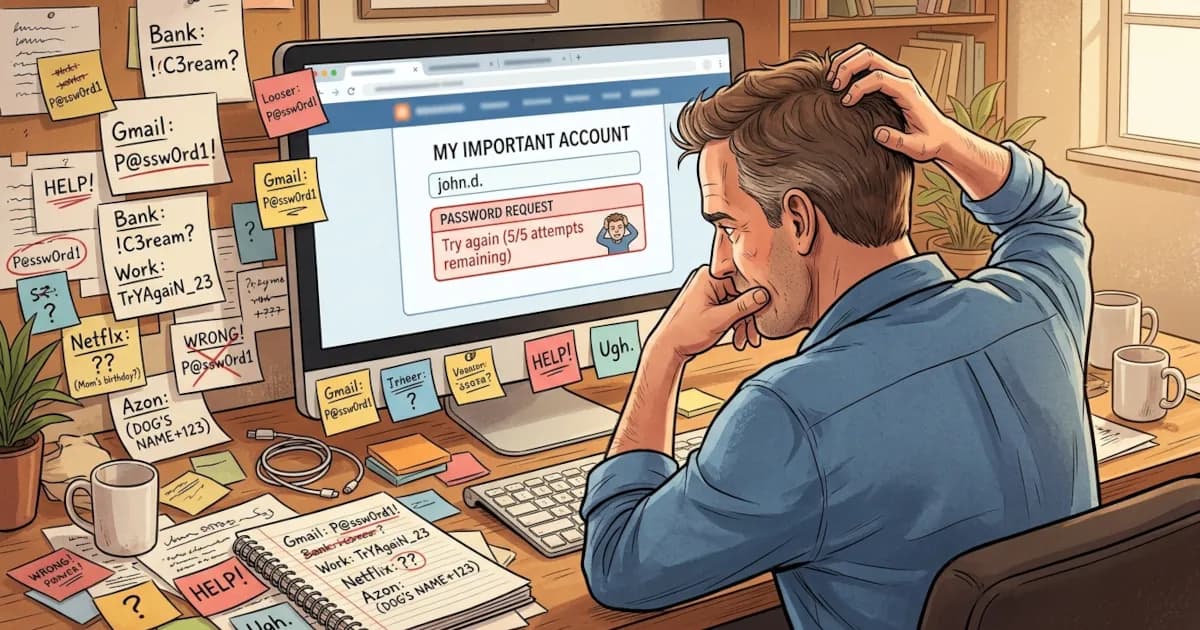
If you’ve ever forgotten a password, reused the same one everywhere or felt nervous typing your details into yet another website, a password manager can help.
 David Chen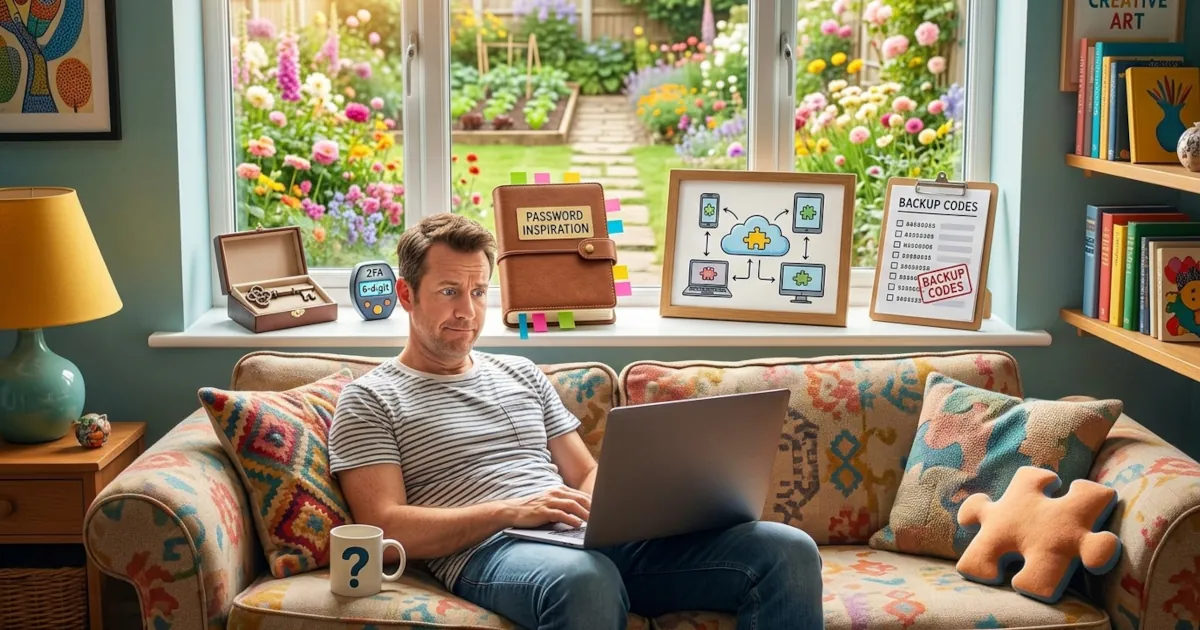
So you’ve finally decided to stop memorizing 47 variations of the same password. Good. Here’s what to get in place before you start using a password manager.
David Chen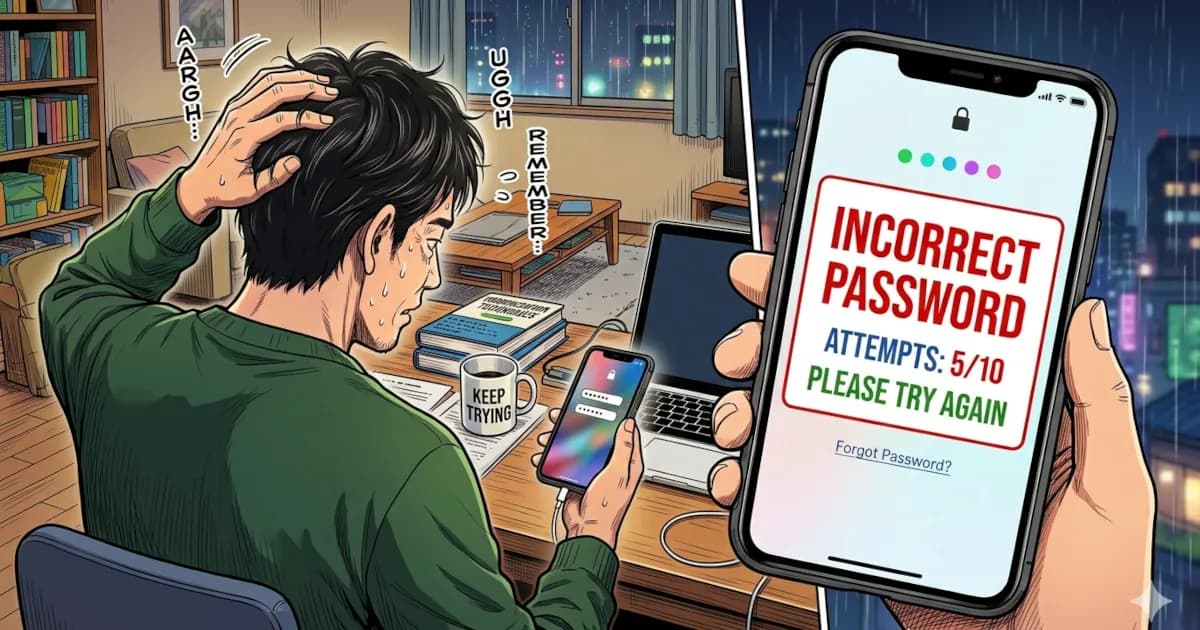
You open your laptop to log in and your brain just says: “Nope. Never seen that password in my life.”
Sarah Mitchell
How to use a password manager step by step, in plain English, with no tech degree required.
David Chen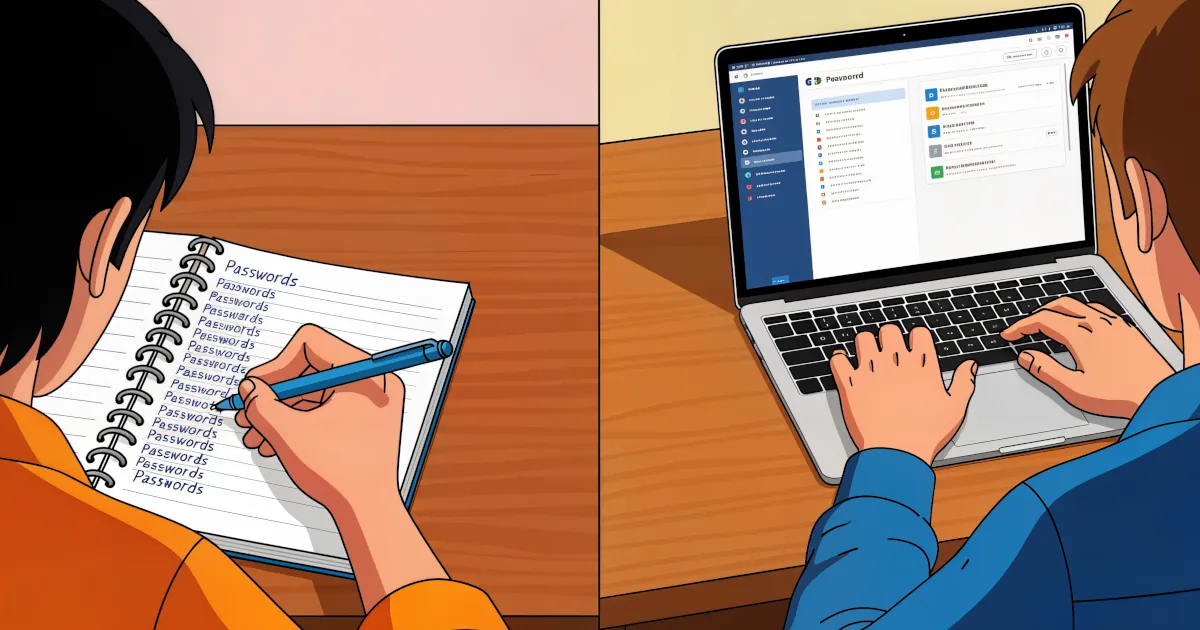
You need a password for everything: banking, email, streaming, shopping, gaming, work accounts, even your smart fridge. The list keeps growing.
Sarah Mitchell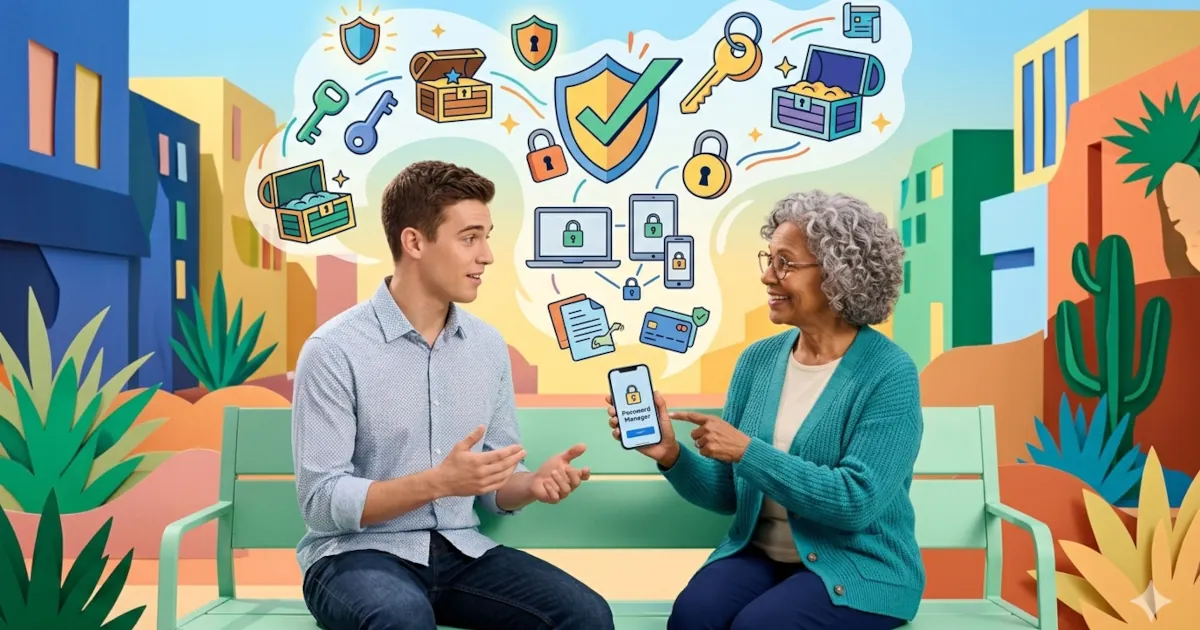
Why you should use a password manager today, explained in plain English without scare tactics or jargon. It also shows how a manager makes everyday logins easier.
 Emma Rodriguez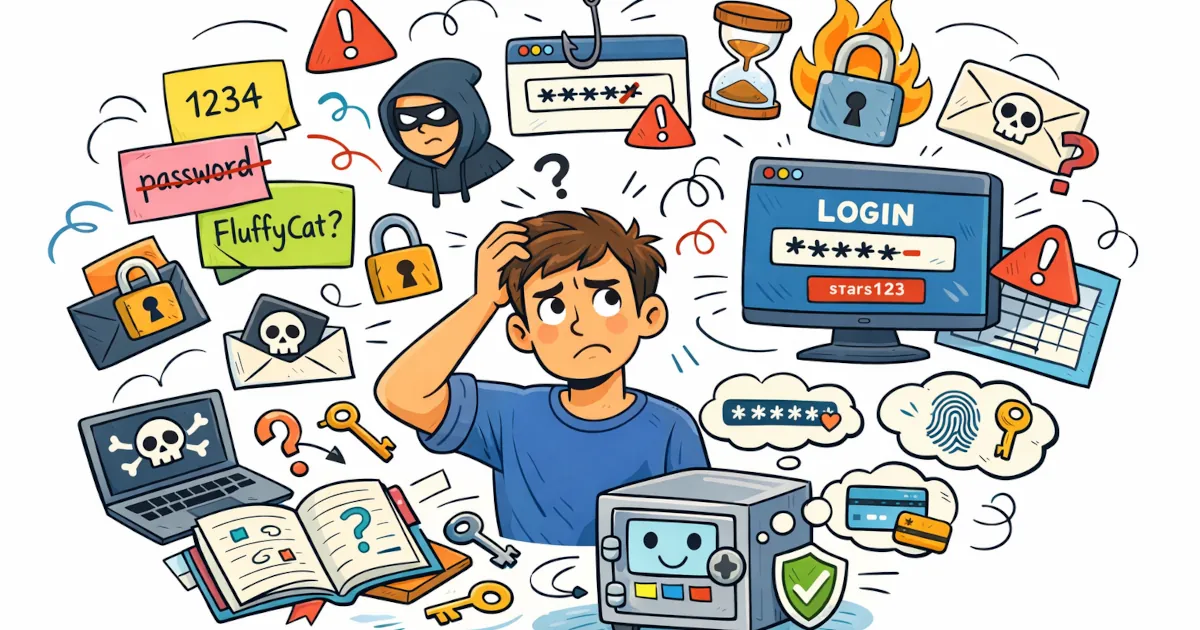
If someone told you to use a password manager and never explained what one is, this guide is for you.
Sarah Mitchell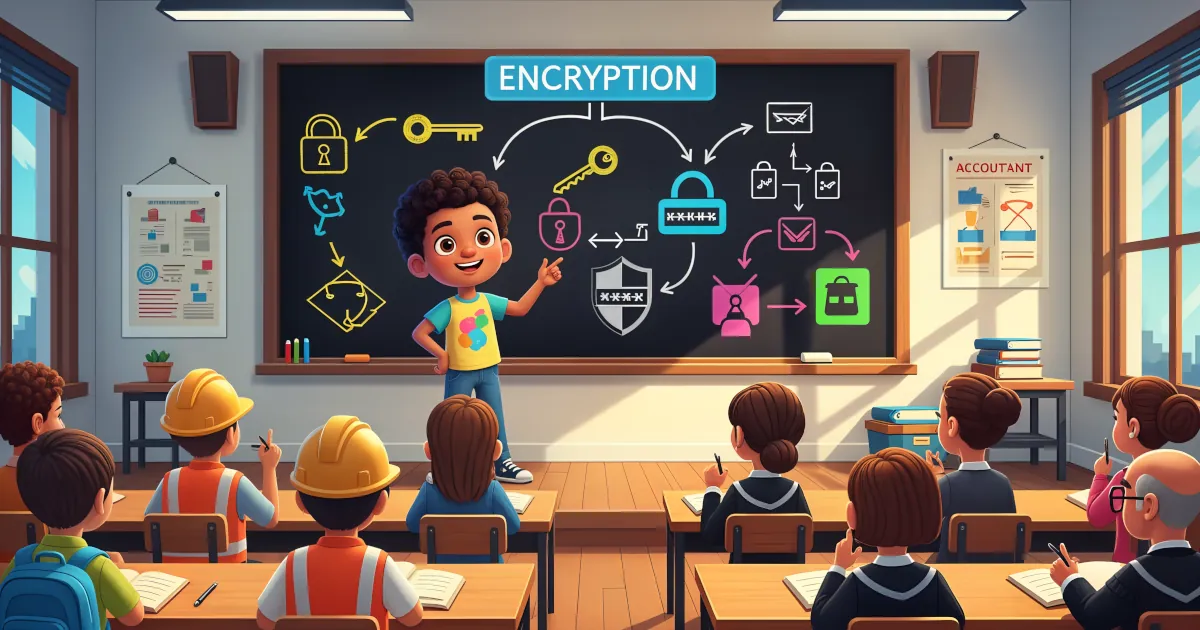
The word “encryption” can make your brain want to check out. It sounds like something only hackers in hoodies and government agencies deal with.
David Chen
If you use a password manager (and you should), one password protects all the others: your master password.
David Chen
Passwords have had a good run and a terrible one. They’re hard to remember. Sites make you add symbols and numbers until the password looks like ancient runes. Then it leaks in a data breach anyway.
Emma Rodriguez
If you’ve ever thought “I don’t trust password managers” while reusing the same three passwords everywhere, start here.
Sarah Mitchell
Why each account needs its own password and how a password manager makes that easy to manage.
Sarah Mitchell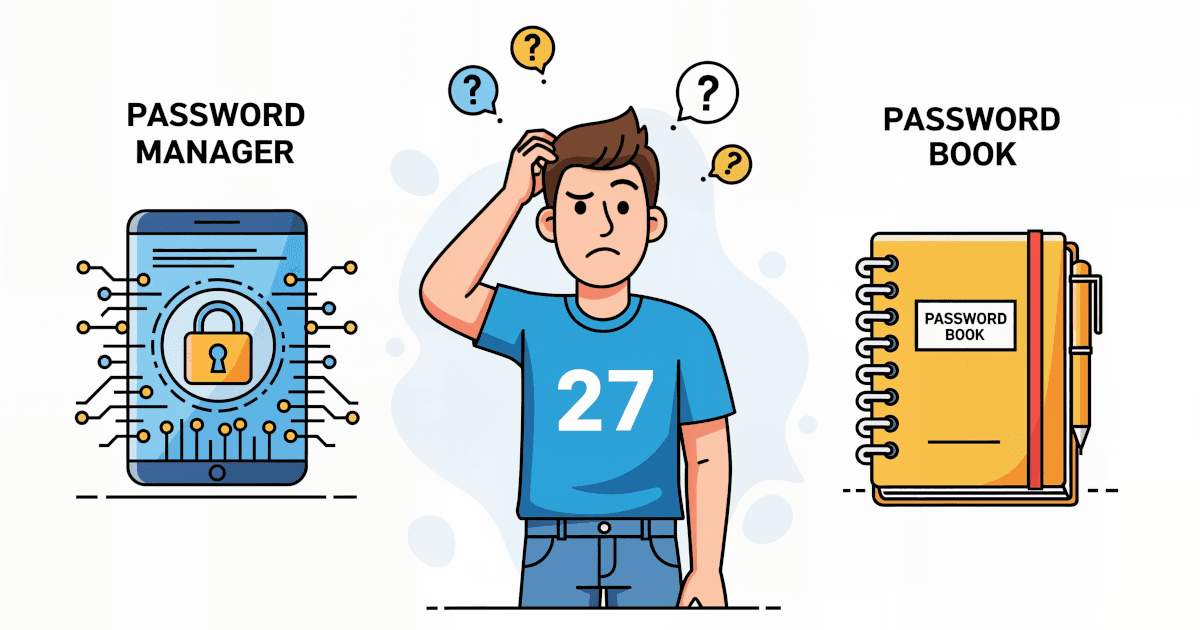
One is high-tech, the other old-school. Here is how password managers and password books compare on security, convenience, cost, accessibility and long-term use.
Sarah Mitchell
You’ve decided to take control of your online security (good move) and use a password manager. Maybe you forget your passwords or use the same one for everything (*tsk-tsk*). Maybe you just want better digital safety.
Sarah Mitchell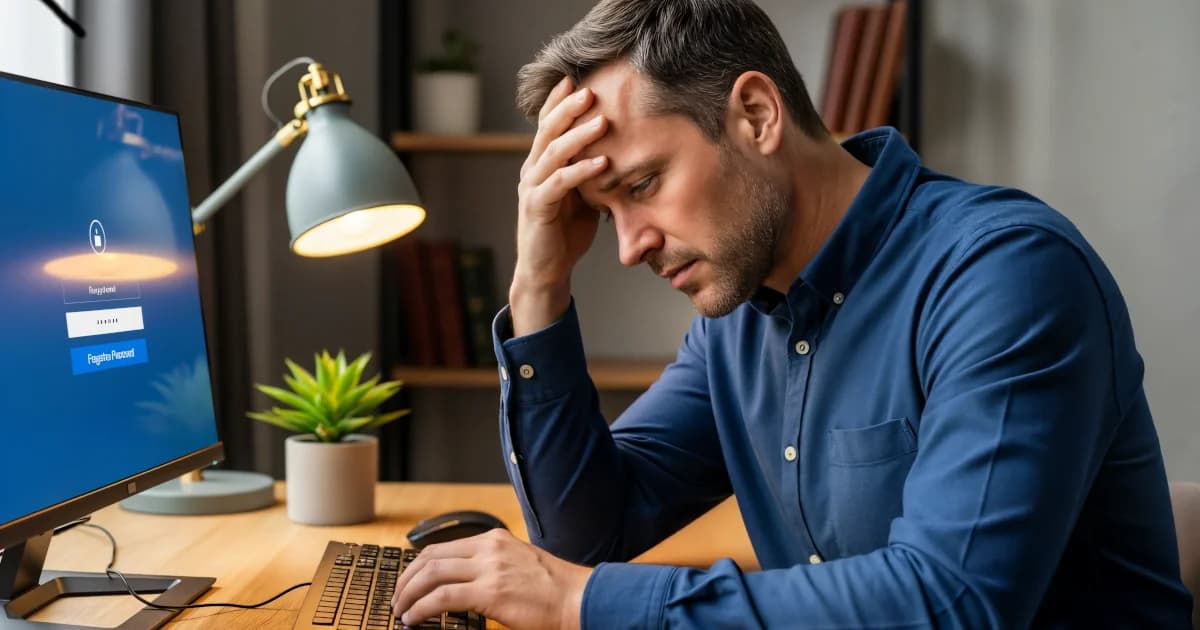
A password manager works like a digital vault for your passwords. Instead of trying to remember the 28 passwords you’ve made over the years (or worse, using "password123"), a password manager stores all of them for you.
Sarah Mitchell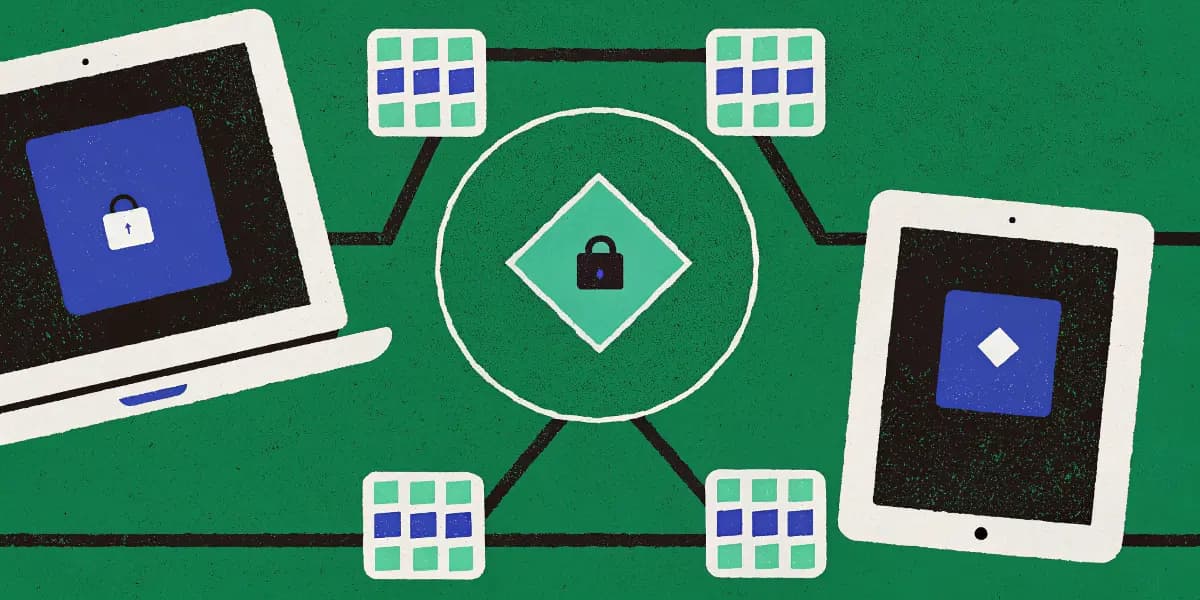
Learn to sync passwords on phones, tablets and PCs, from installing the apps to turning on auto-fill and two-factor login.
Emma Rodriguez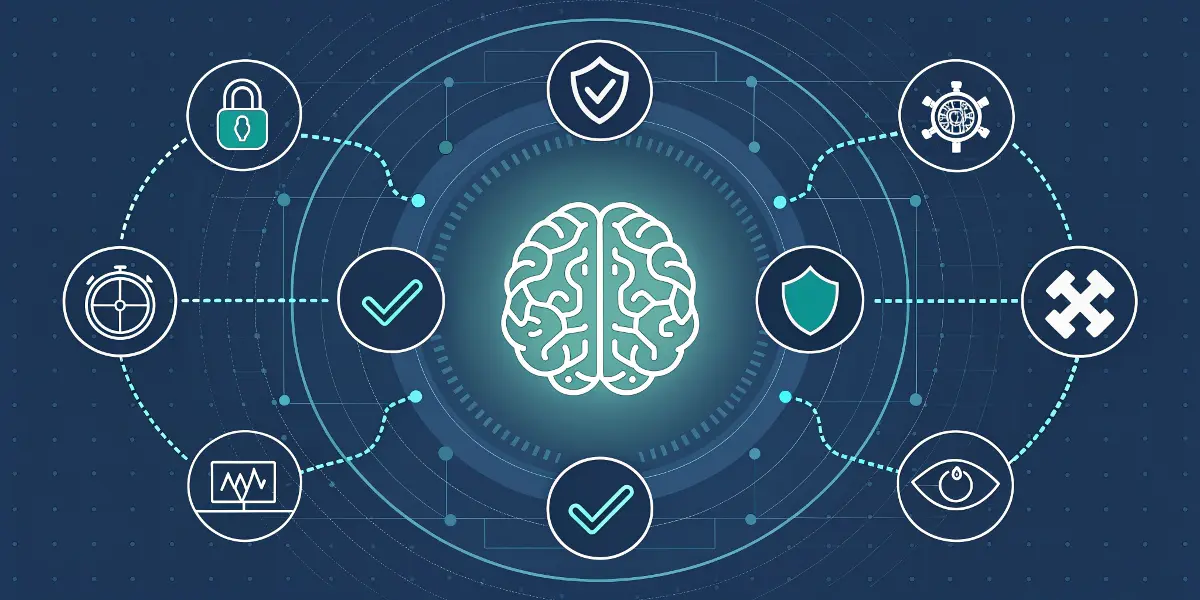
Why password managers matter for online security, plus 7 reasons to start using one today.
Sarah Mitchell