
Featured
What You Need Before Using Password Managers
So you’ve finally decided to stop memorizing 47 variations of the same password. Good. Here’s what to get in place before you start using a password manager.
 David Chen
6 min read
Tag
Every article tagged “How-To Guides”.
So you’ve finally decided to stop memorizing 47 variations of the same password. Good. Here’s what to get in place before you start using a password manager.
David Chen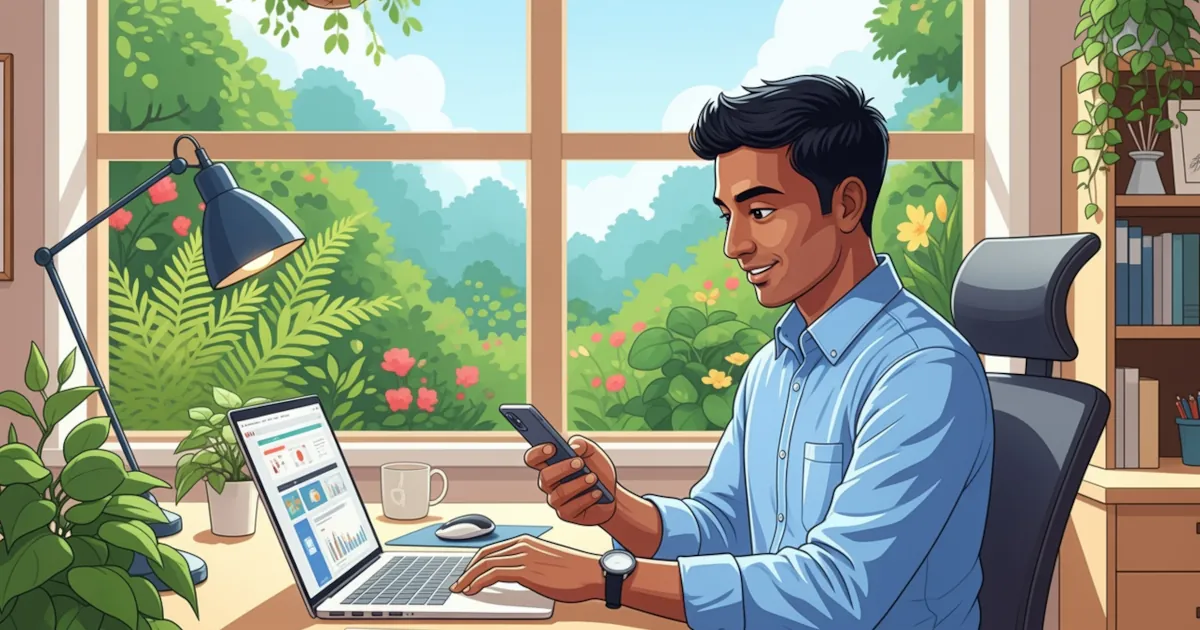
How to use a password manager step by step, in plain English, with no tech degree required.
David Chen
If you use a password manager (and you should), one password protects all the others: your master password.
David Chen
Using a password manager means strong, unique passwords for every account, which is one of the best things you can do for your security.
David Chen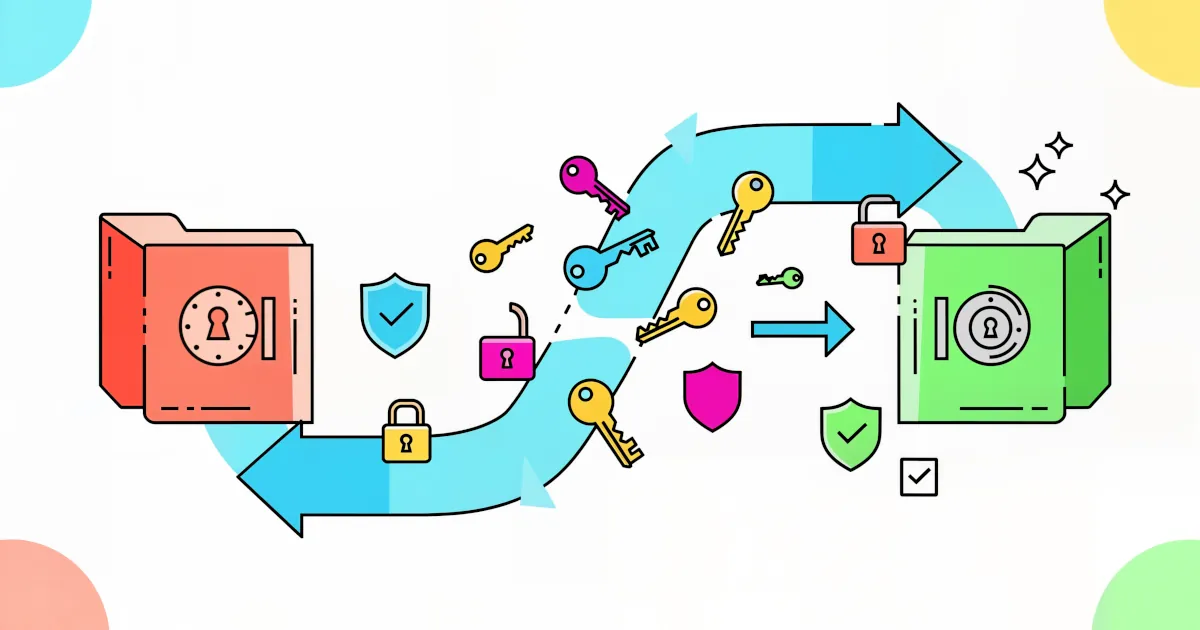
If you’re dreading the chaos of switching password managers, that’s understandable. Moving hundreds of logins, 2FA codes, secure notes and maybe even payment info can sound like a nightmare.
David Chen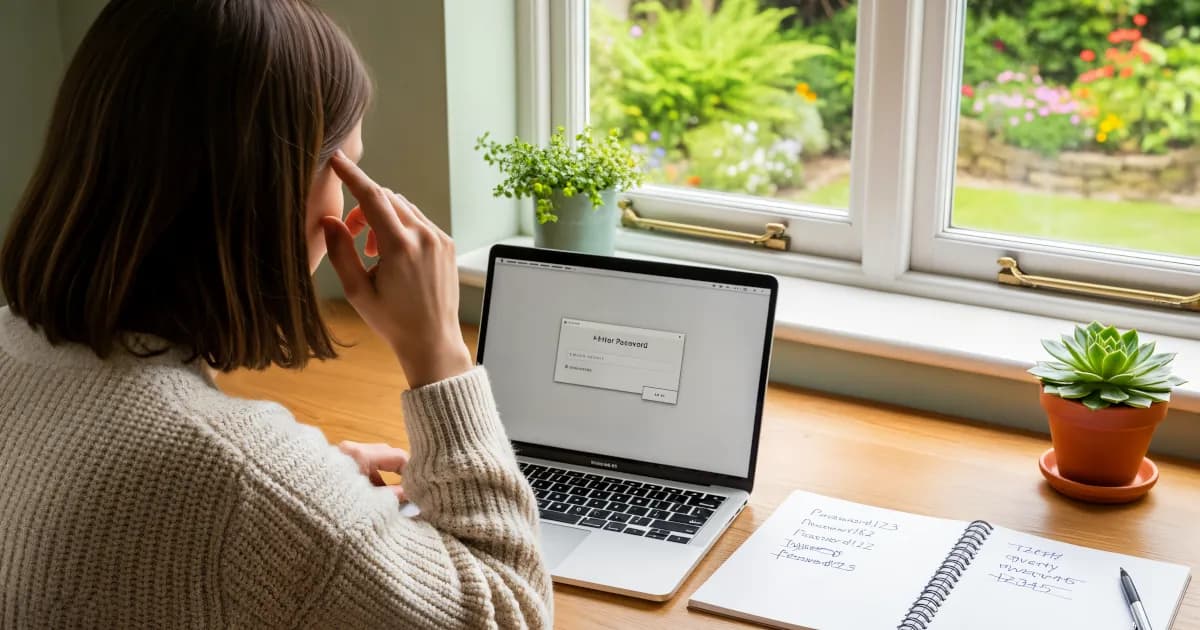
If you’re still using passwords like `Summer2024!` or the classic `Password123`, it’s time to let a password manager generate them for you.
 Emma Rodriguez
You’ve decided to take control of your online security (good move) and use a password manager. Maybe you forget your passwords or use the same one for everything (*tsk-tsk*). Maybe you just want better digital safety.
 Sarah Mitchell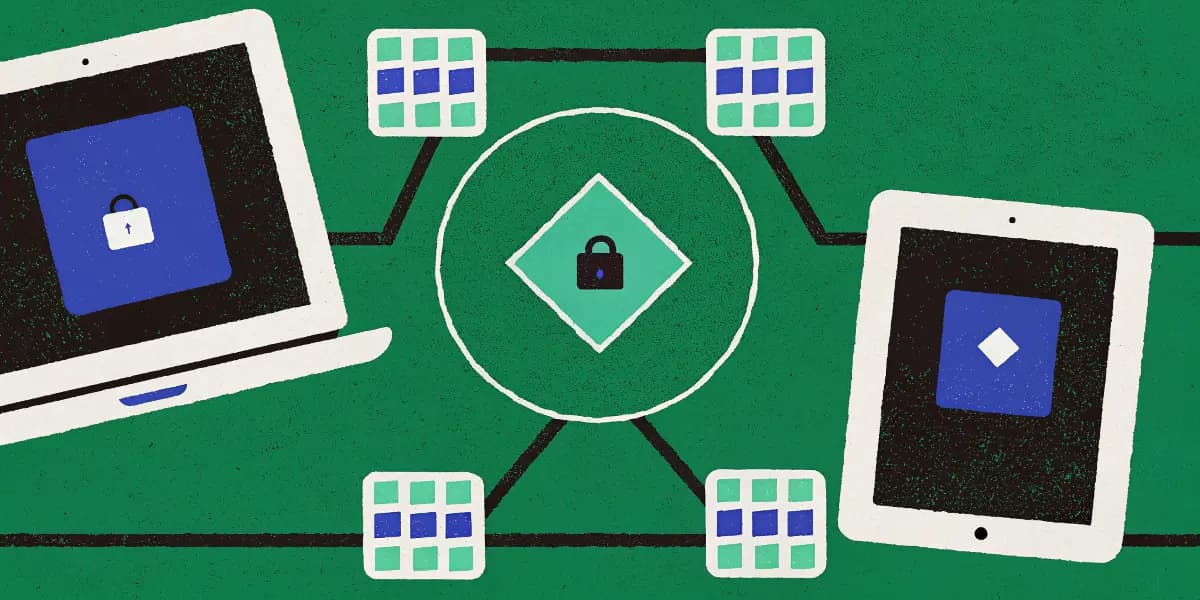
Learn to sync passwords on phones, tablets and PCs, from installing the apps to turning on auto-fill and two-factor login.
Emma Rodriguez