
Featured
How Password Managers Work Across Devices
You’ve probably been told to use a password manager. The next question is how it knows your logins on your phone, laptop and tablet without exposing them to anyone else.
 Emma Rodriguez
6 min read

Author
Researches VPNs, password managers and AI image generators, cross-referencing published ratings, pricing and feature pages rather than vendor marketing.
You’ve probably been told to use a password manager. The next question is how it knows your logins on your phone, laptop and tablet without exposing them to anyone else.
Emma Rodriguez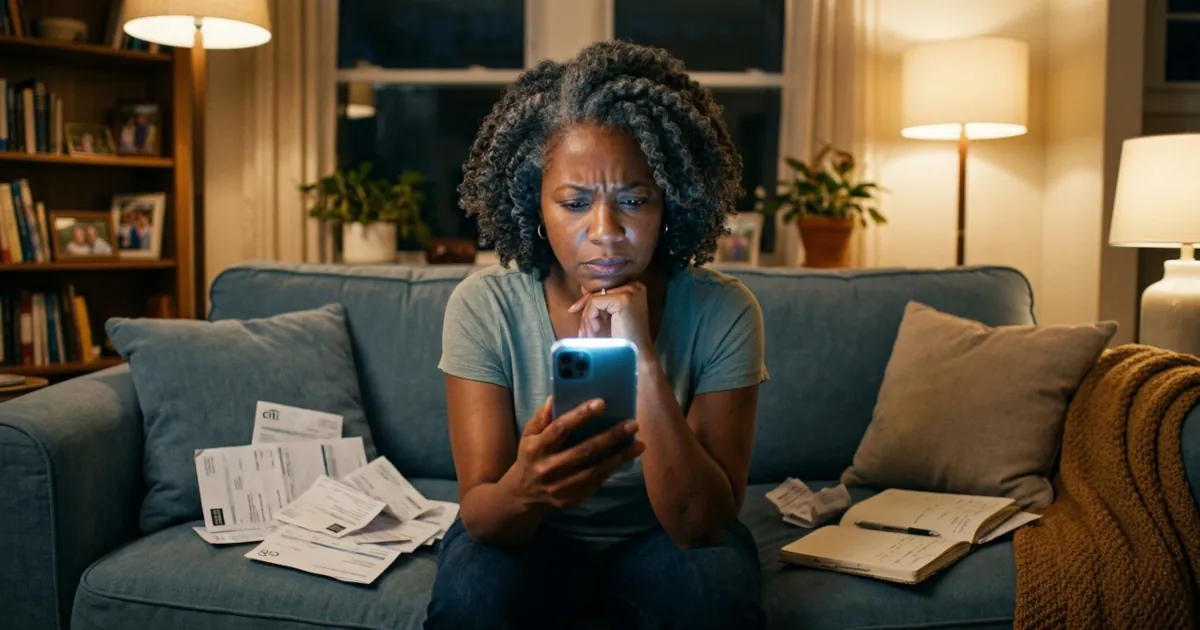
Strong passwords feel like a hassle until you get hacked. After that, they suddenly feel very important.
Emma Rodriguez
Putting all your passwords in one place sounds risky. How password managers protect your vault, and what an attacker gets when a provider is hacked.
Emma Rodriguez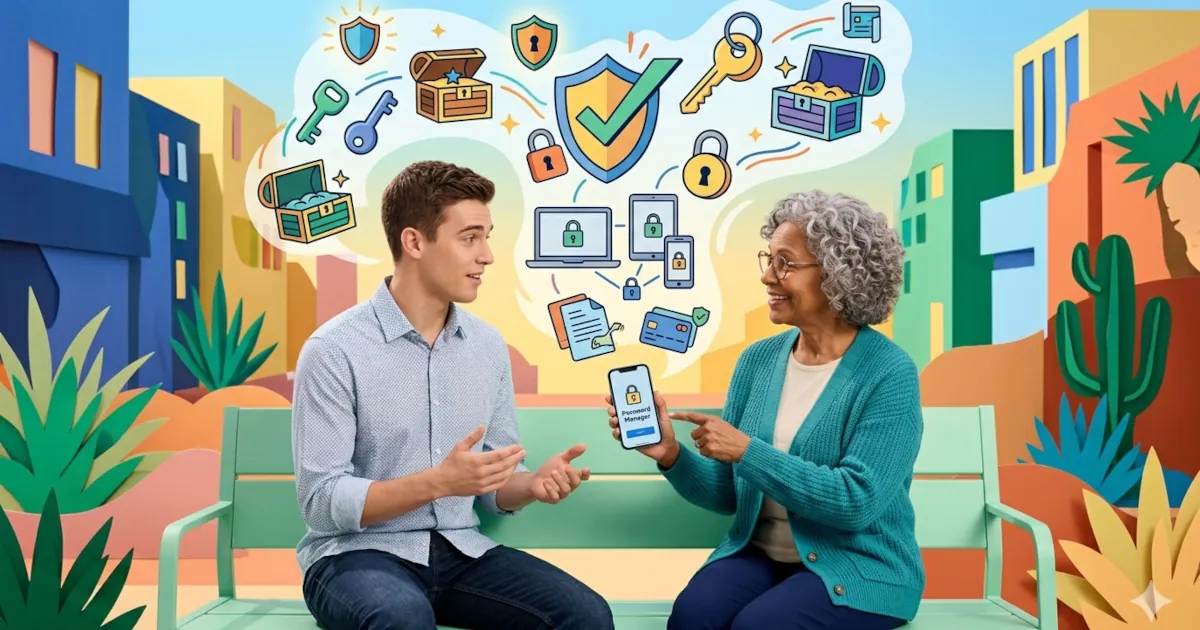
Why you should use a password manager today, explained in plain English without scare tactics or jargon. It also shows how a manager makes everyday logins easier.
Emma Rodriguez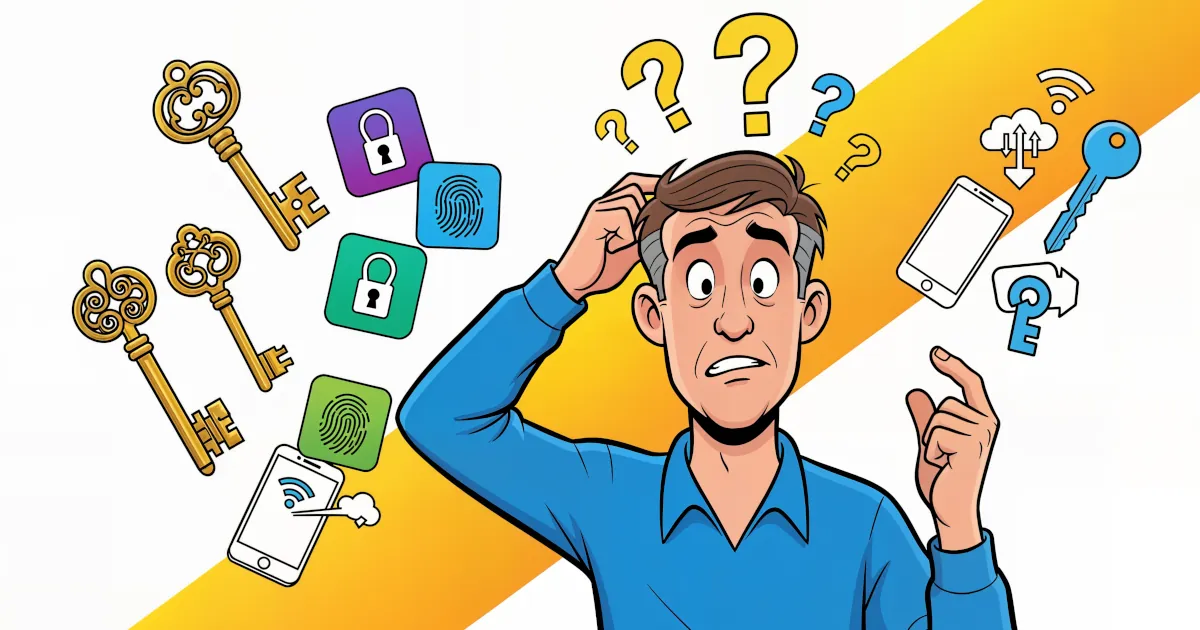
Passwords have had a good run and a terrible one. They’re hard to remember. Sites make you add symbols and numbers until the password looks like ancient runes. Then it leaks in a data breach anyway.
Emma Rodriguez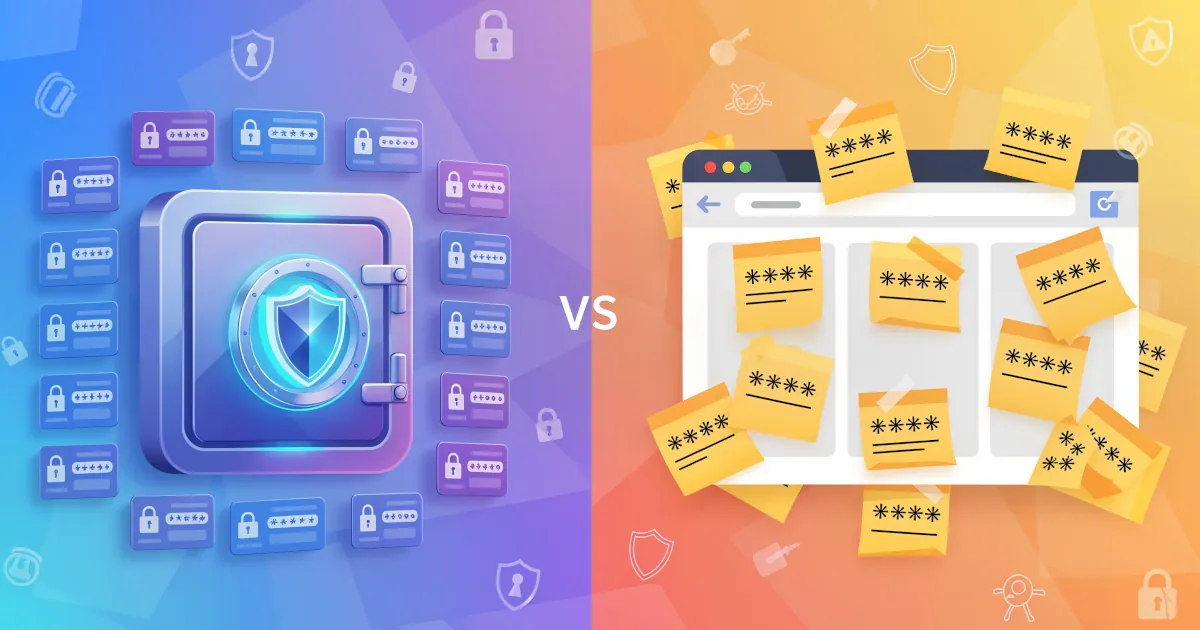
A password manager is usually a smarter choice than browser autofill, especially if you care about your accounts and your money.
Emma Rodriguez
Passwords sent by text or email, or left on sticky notes, are about as safe as a house key taped to the front door. It might work for now, but one day it won’t.
Emma Rodriguez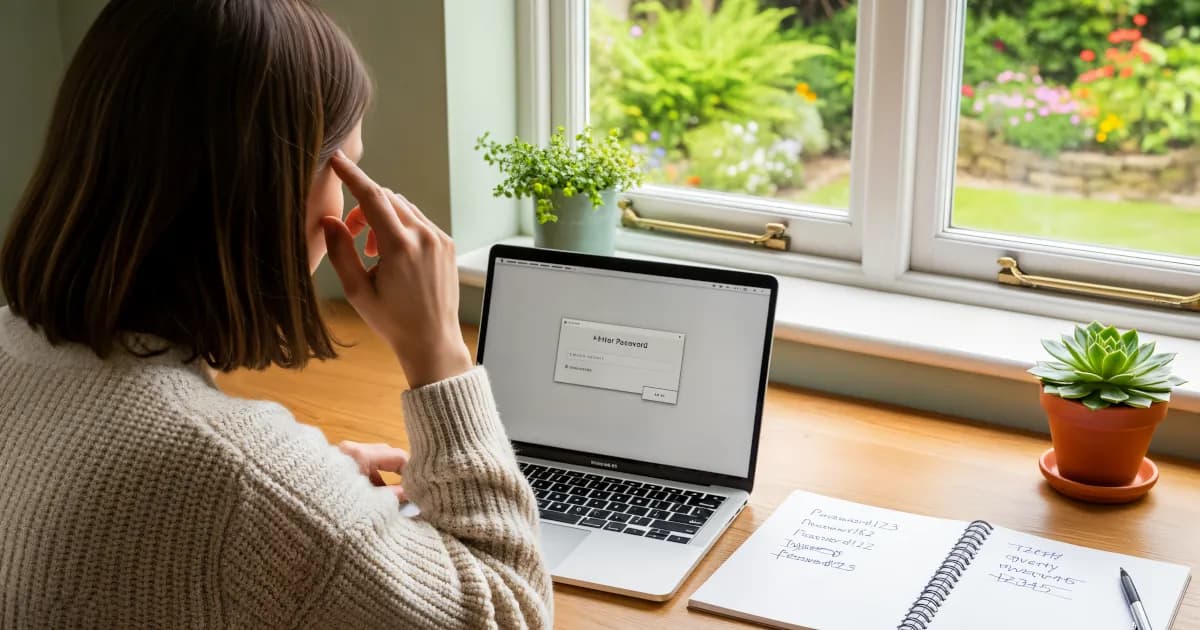
If you’re still using passwords like `Summer2024!` or the classic `Password123`, it’s time to let a password manager generate them for you.
Emma Rodriguez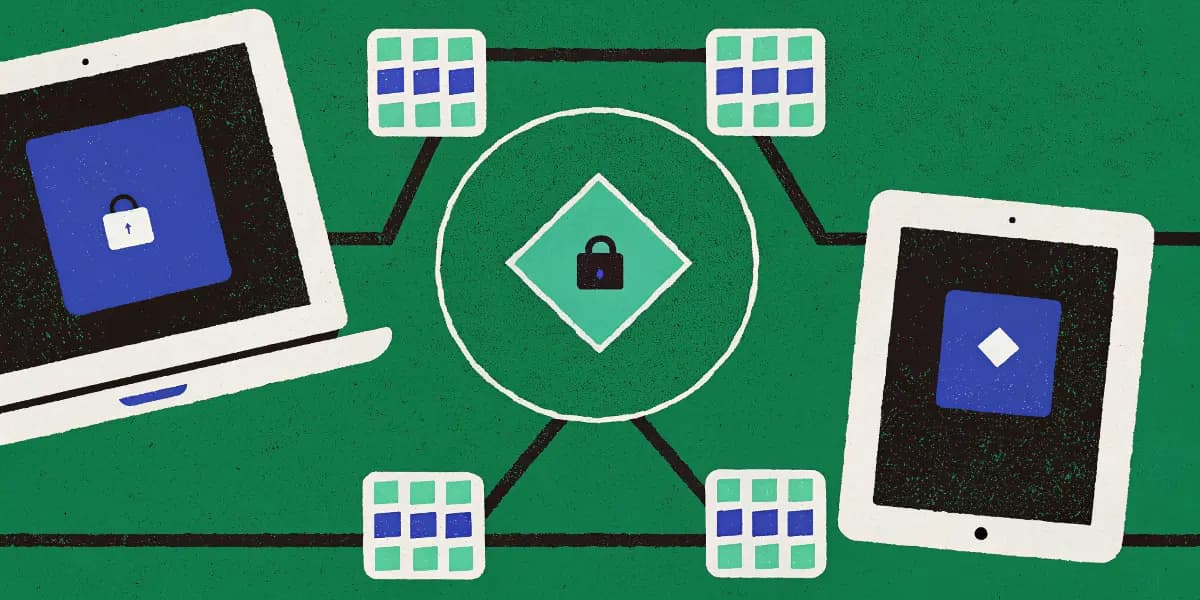
Learn to sync passwords on phones, tablets and PCs, from installing the apps to turning on auto-fill and two-factor login.
Emma Rodriguez