Featured
Password Managers for Beginners Fully Explained
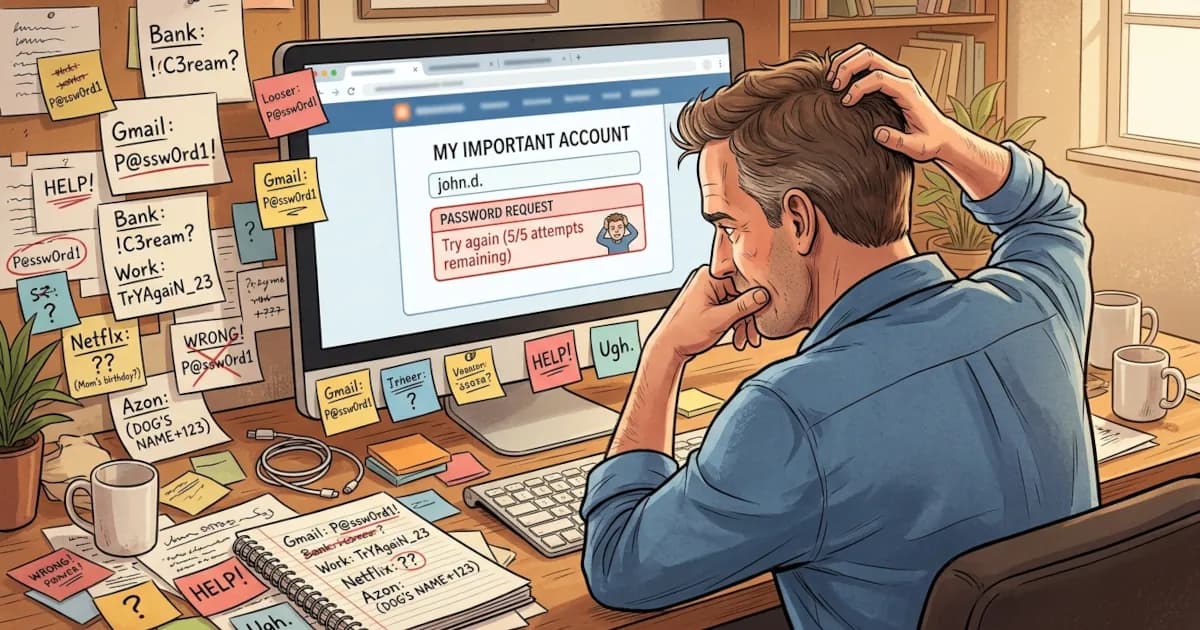
If you’ve ever forgotten a password, reused the same one everywhere or felt nervous typing your details into yet another website, a password manager can help.
 David Chen
5 min read

Author
Covers encryption, breach history and licence terms across VPNs, password managers and AI image tools, summarising what independent reviewers report.
If you’ve ever forgotten a password, reused the same one everywhere or felt nervous typing your details into yet another website, a password manager can help.
David Chen
So you’ve finally decided to stop memorizing 47 variations of the same password. Good. Here’s what to get in place before you start using a password manager.
David Chen
How to use a password manager step by step, in plain English, with no tech degree required.
David Chen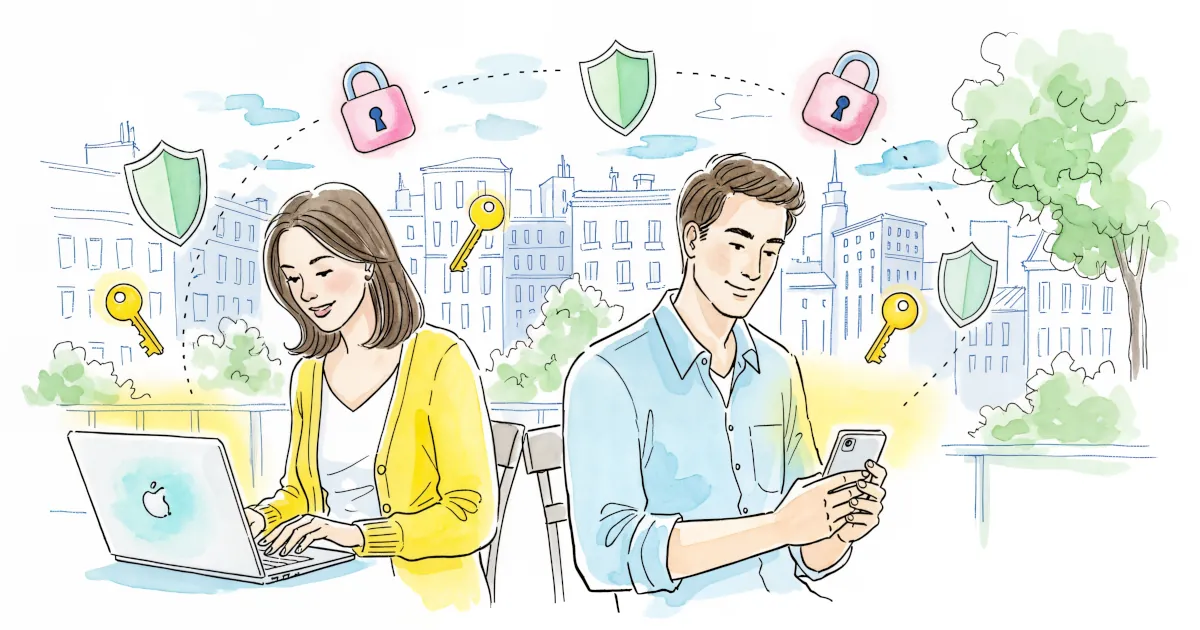
Most of us know we should use strong, unique passwords for every account. Almost nobody does that without help.
David Chen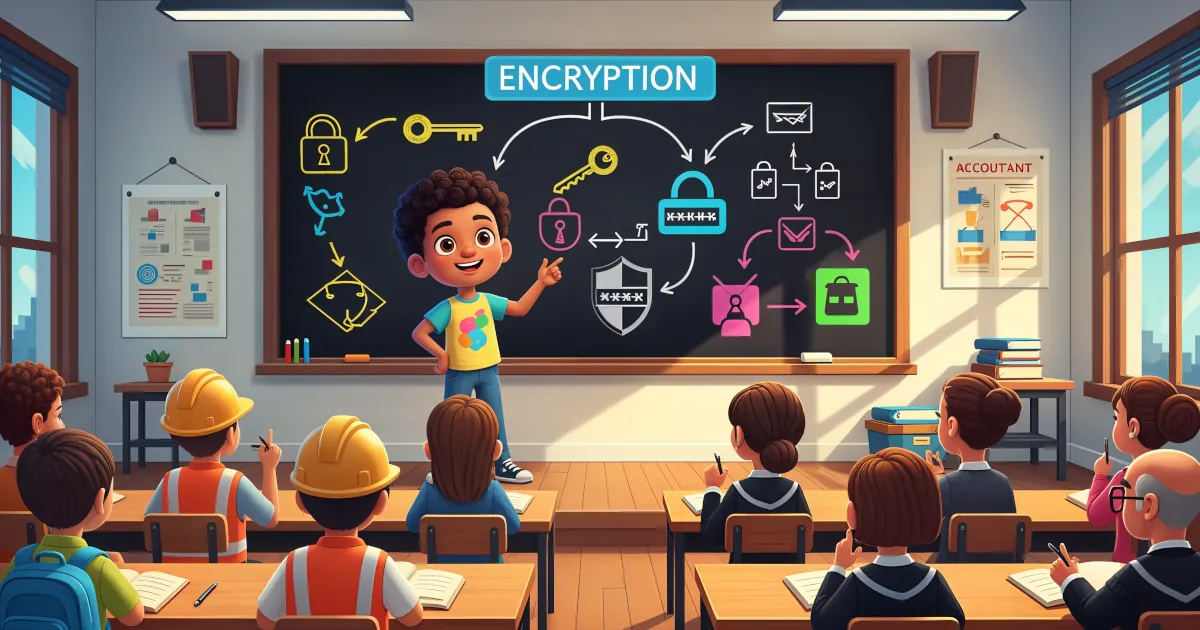
The word “encryption” can make your brain want to check out. It sounds like something only hackers in hoodies and government agencies deal with.
David Chen
If you use a password manager (and you should), one password protects all the others: your master password.
David Chen
Using a password manager means strong, unique passwords for every account, which is one of the best things you can do for your security.
David Chen
Phishing is the online version of someone who calls pretending to be your bank and asks for your PIN “for security reasons.” You’d hang up on that call. Online, people fall for it every day.
David Chen
If you’re still using the same password for multiple accounts, it’s time for an intervention.
David Chen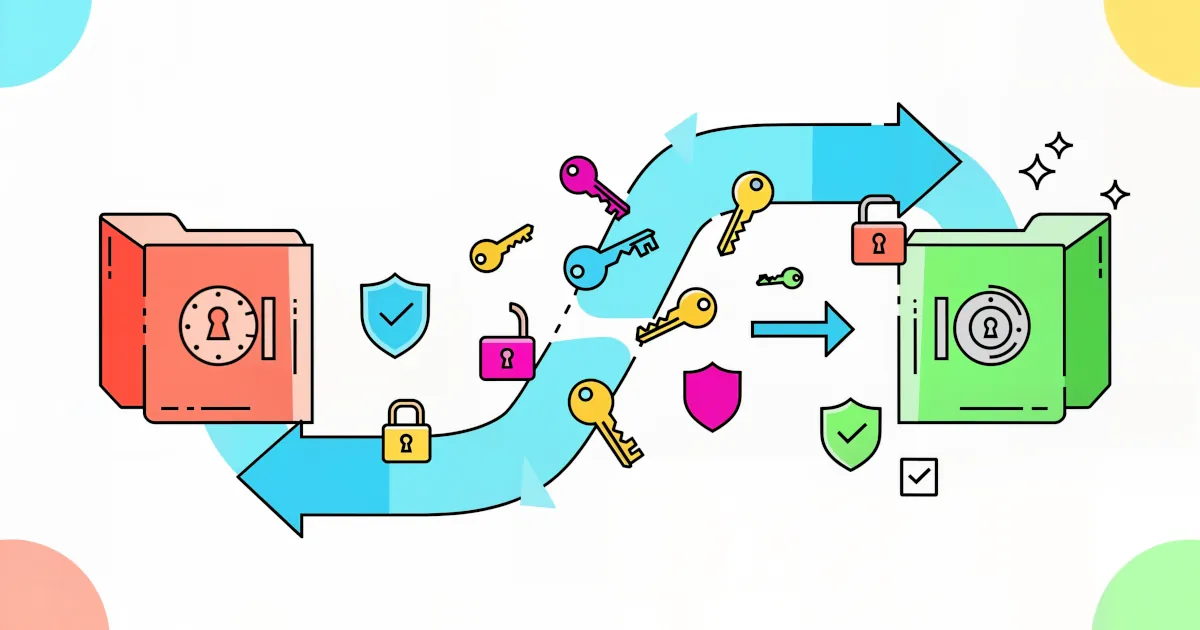
If you’re dreading the chaos of switching password managers, that’s understandable. Moving hundreds of logins, 2FA codes, secure notes and maybe even payment info can sound like a nightmare.
David Chen
How four password managers encrypt your vault, keep themselves out of it, and stand on breaches and price.
David Chen