Featured
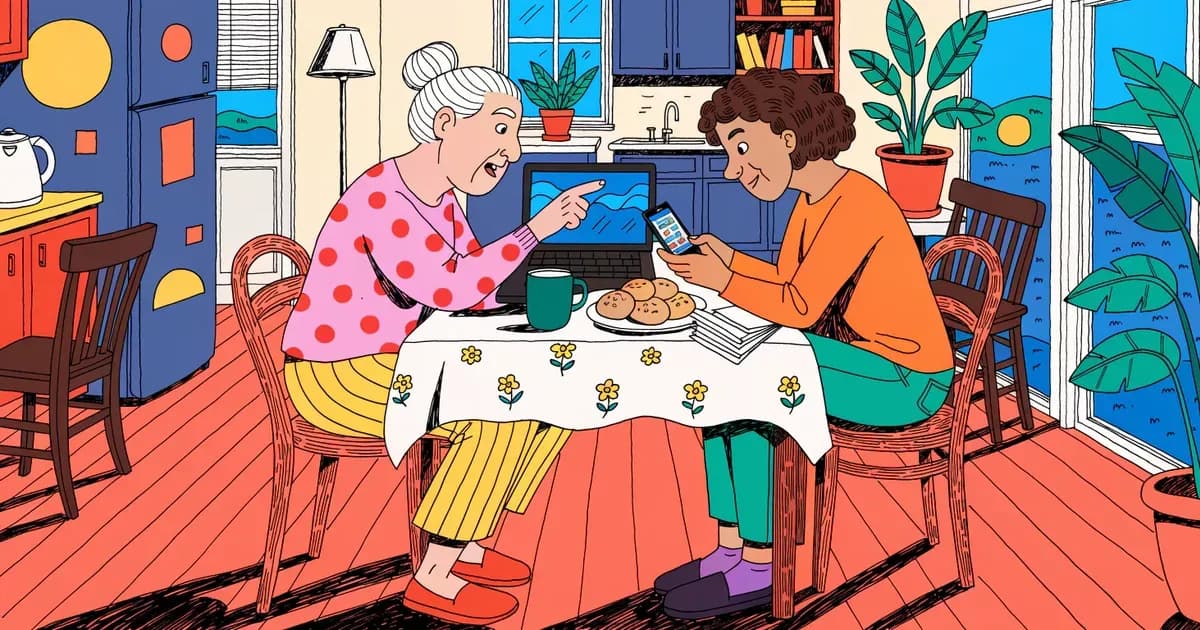
Best Password Manager for Elderly Parents: Recovery and Cost
RoboForm puts emergency access and phone support on its cheapest paid plan. How NordPass, Keeper Security and 1Password compare for an older parent.
 Sarah Mitchell
5 min read
All guides
Plain-English answers to the security questions we get asked most — passkeys, breach response, and what a "free tier" actually covers.
RoboForm puts emergency access and phone support on its cheapest paid plan. How NordPass, Keeper Security and 1Password compare for an older parent.
Sarah Mitchell
You’ve probably been told to use a password manager. The next question is how it knows your logins on your phone, laptop and tablet without exposing them to anyone else.
 Emma Rodriguez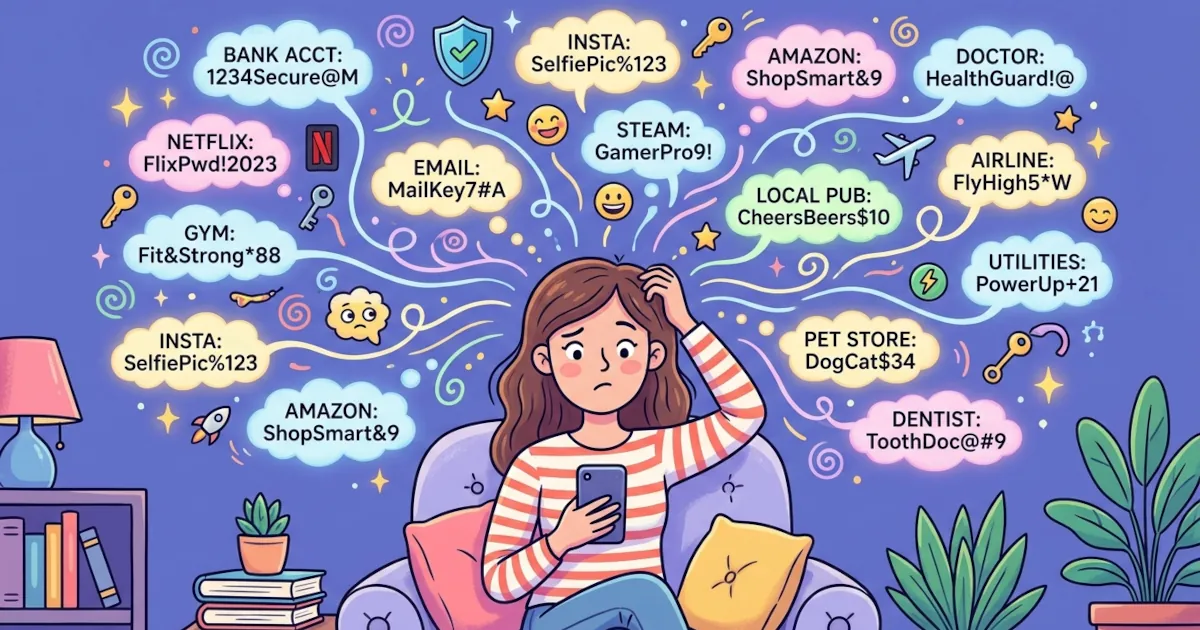
You’ve probably done it. You sign up for a new site and think, “Ugh, another password… I’ll just reuse the one I always use.”
Sarah Mitchell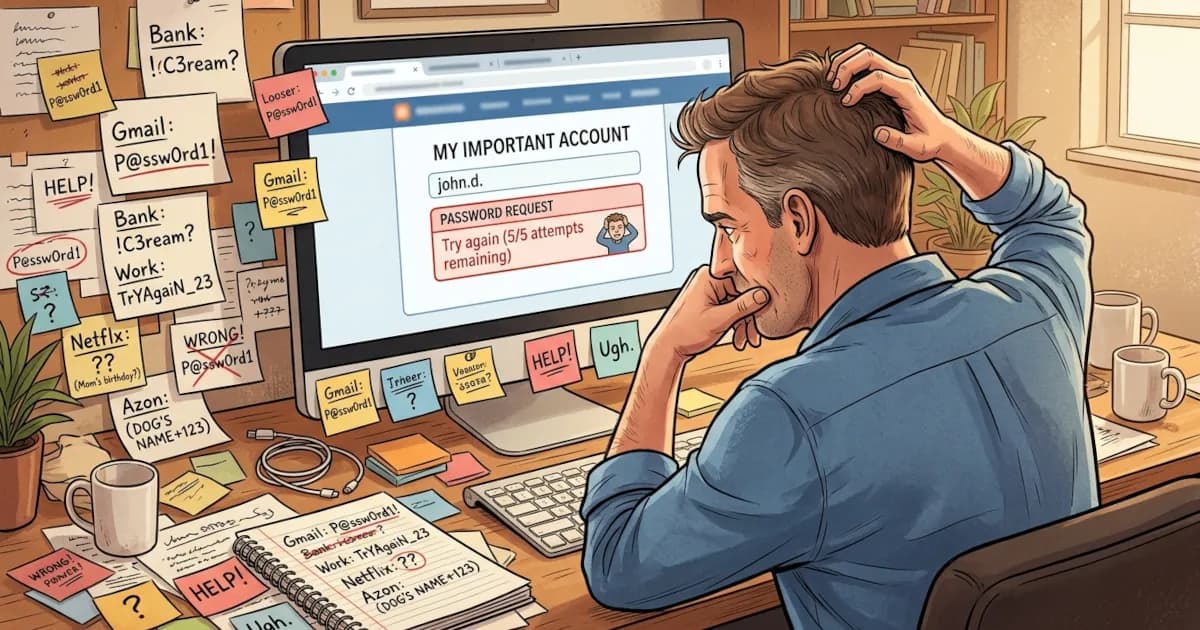
If you’ve ever forgotten a password, reused the same one everywhere or felt nervous typing your details into yet another website, a password manager can help.
 David Chen
So you’ve finally decided to stop memorizing 47 variations of the same password. Good. Here’s what to get in place before you start using a password manager.
David Chen
Strong passwords feel like a hassle until you get hacked. After that, they suddenly feel very important.
Emma Rodriguez
People use password managers for all kinds of unexpected things. If yours only holds Netflix and email, you’re using a small share of its features.
Sarah Mitchell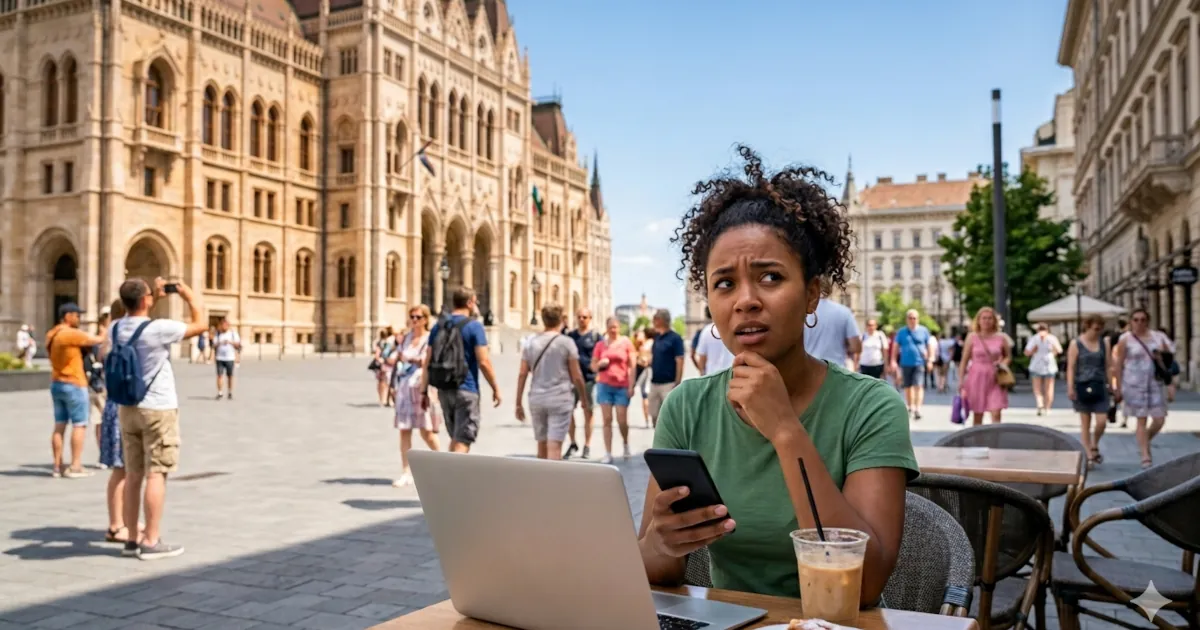
Putting all your passwords in one place sounds risky. How password managers protect your vault, and what an attacker gets when a provider is hacked.
Emma Rodriguez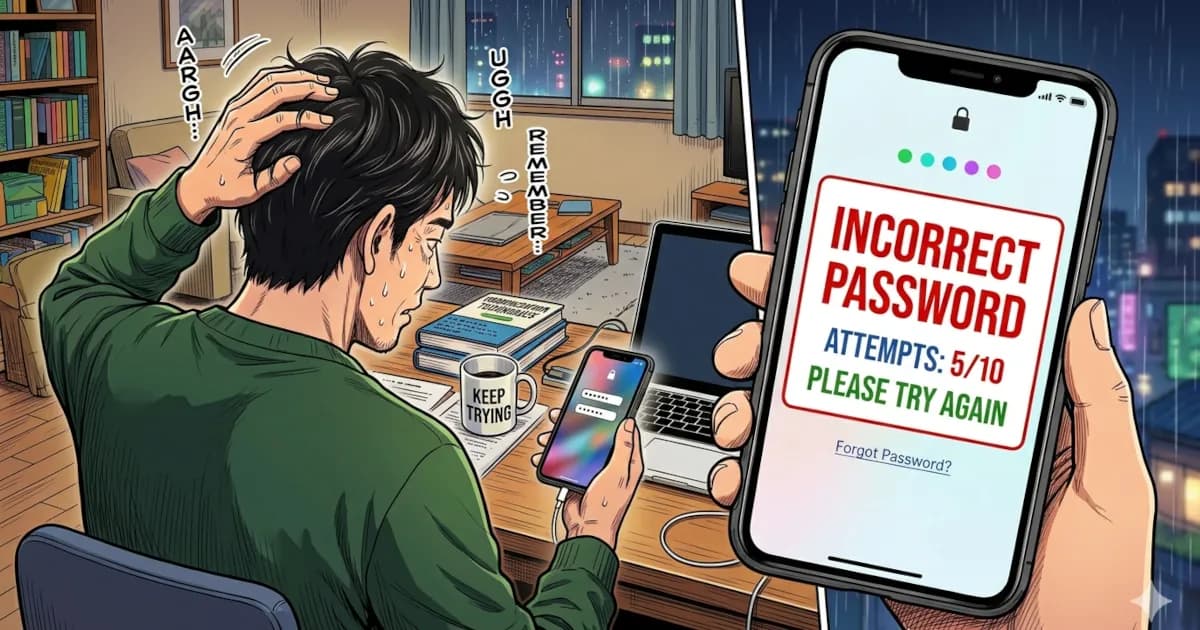
You open your laptop to log in and your brain just says: “Nope. Never seen that password in my life.”
Sarah Mitchell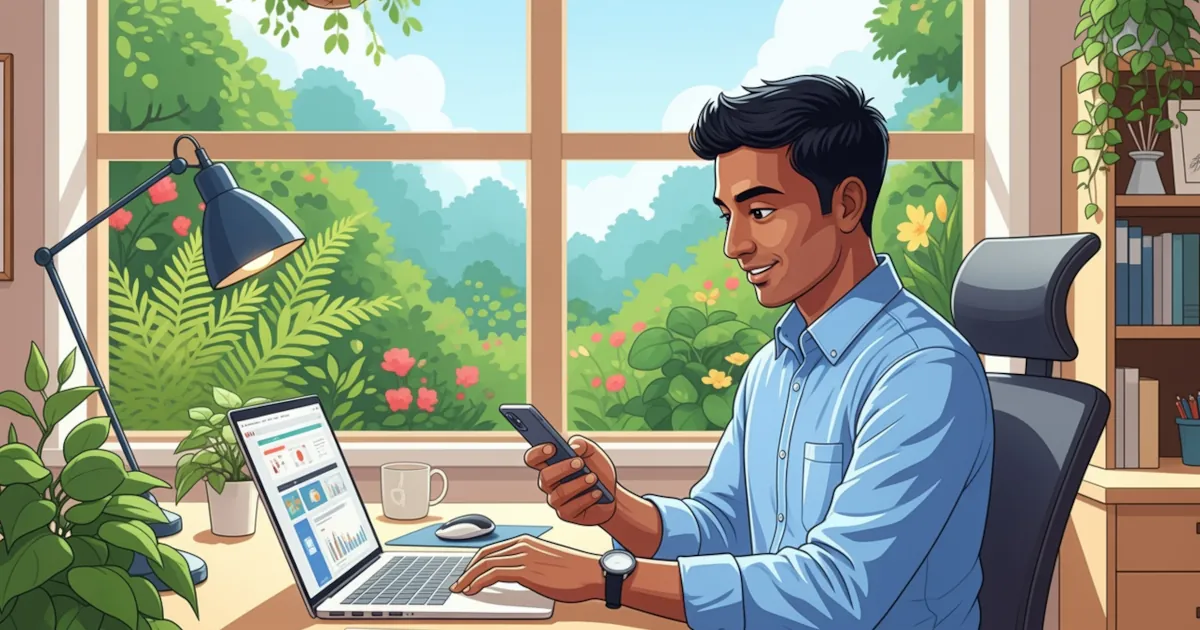
How to use a password manager step by step, in plain English, with no tech degree required.
David Chen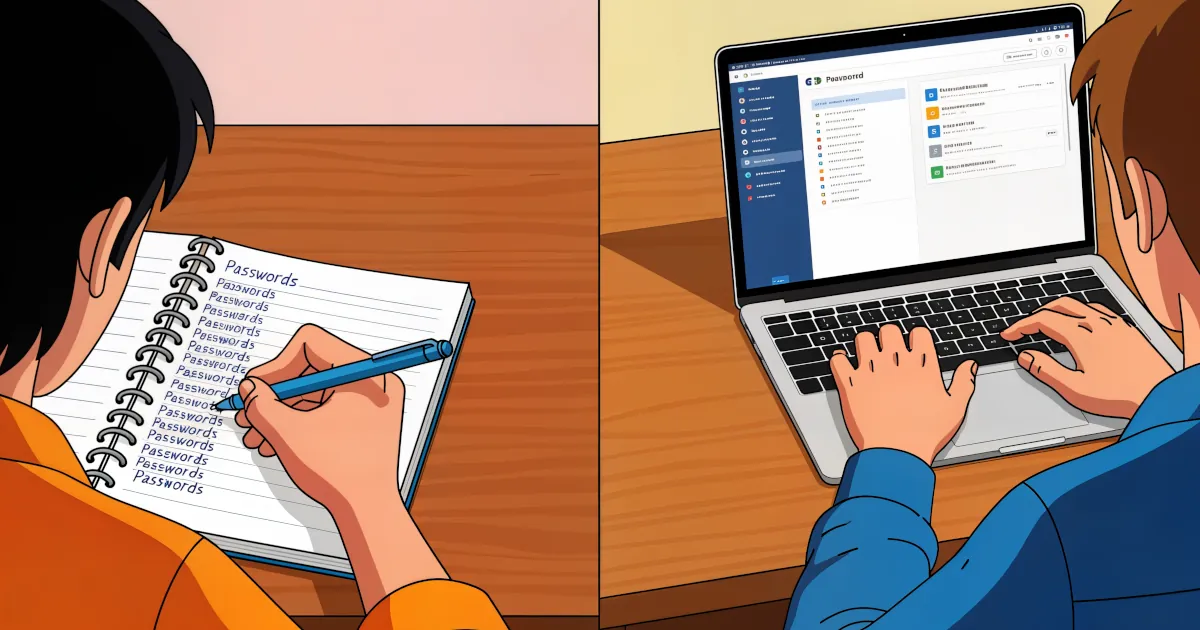
You need a password for everything: banking, email, streaming, shopping, gaming, work accounts, even your smart fridge. The list keeps growing.
Sarah Mitchell
Most of us know we should use strong, unique passwords for every account. Almost nobody does that without help.
David Chen