Featured
Best Password Manager for Elderly Parents: Recovery and Cost
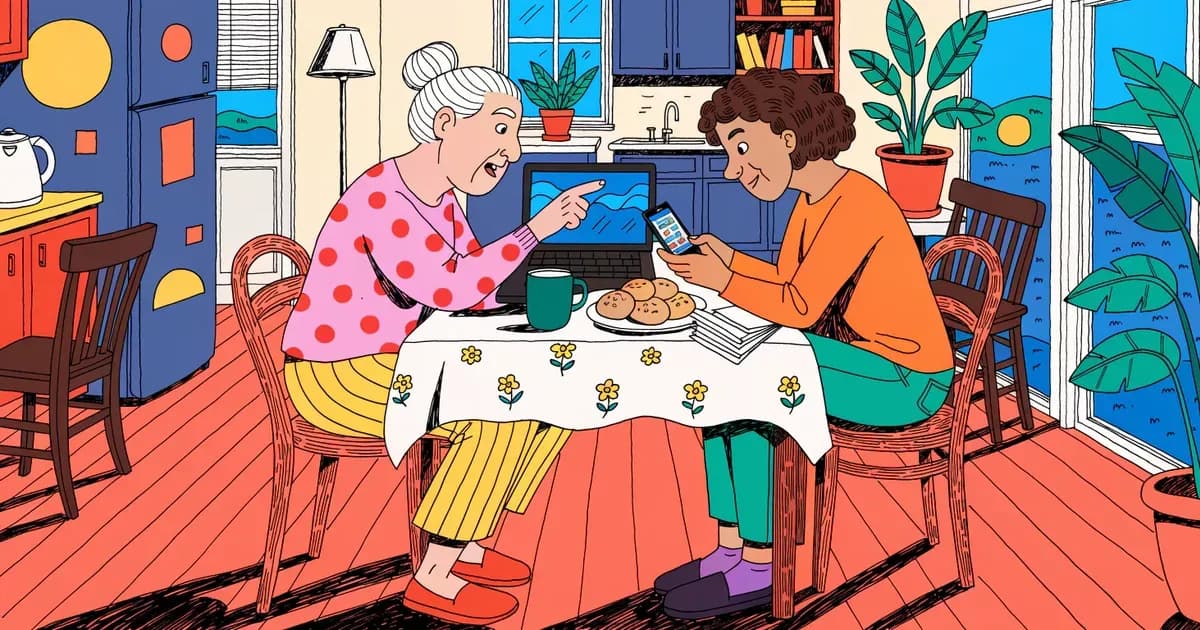
RoboForm puts emergency access and phone support on its cheapest paid plan. How NordPass, Keeper Security and 1Password compare for an older parent.
 Sarah Mitchell
5 min read
Password manager built on XChaCha20 encryption and audited twice by Cure53. Its Family plan suits households that want strong security at a low price.
NordPass, the password-manager arm of Nord Security, makes a few unusual technical choices. The vault is built on XChaCha20 instead of the more common AES-256. That cipher runs faster on devices without AES hardware acceleration and is more forgiving of nonce-reuse implementation mistakes.
Independent auditor Cure53 has reviewed NordPass twice, in 2020 and again in 2024, covering the cryptographic foundation, source code, desktop apps, browser extensions and mobile apps. All flagged issues were patched and re-verified. The Business edition holds both SOC 2 Type 2 attestation and ISO/IEC 27001:2022 certification, a compliance combination that rivals like Dashlane have not published.
Pricing is aggressive. The Family plan covers six separate vaults with full Premium features. At the two-year promotional price of $2.79 a month in total, the per-person cost works out to around $0.47 a month, the lowest-priced household tier in the category.
Reviewers consistently single out the Data Breach Scanner for its automatic, continuous monitoring of leaked credentials. They also praise real-time passkey support and Email Masking, which lets you hide your primary inbox at signup. Capterra's 39 verified business reviewers rate NordPass Business 4.5 out of 5, praising the clean interface, multi-factor authentication and cross-device sync.
The rough edges are mostly in the free tier and the user experience. The free plan is locked to a single active session, so switching between phone and laptop logs the other device out. Nearly every independent review mentions this.
Autofill misfires are the most-cited everyday complaint on G2 and Capterra: the icon obscures input fields, credentials sometimes fail to save and mobile-app autofill is weaker than browser autofill. The Data Breach Scanner identifies leaked credentials but rarely shows the breach origin when data appears in dark-web collections, which limits follow-up action.
Emergency Access is mobile-only. Desktop and web users cannot delegate access to a trusted contact, which is an awkward gap for desktop-first households. Refunds are not automatic on cancellation.
Users must contact support within 30 days (14 days for Business). Trustpilot has reviews describing refunds refused minutes after purchase. Parent company Nord Security also disclosed a 2018 NordVPN datacenter intrusion (revealed in 2019).
It did not affect password vaults, but it is on the corporate group's record and is fair to weigh. For households that want strong cryptography at a low price, NordPass is the leading value option.
Encryption standard for stored passwords
Monitors for compromised passwords
Support for 2FA/MFA security
Support for fingerprint and face recognition
Provider cannot access your master password
Regular third-party security audits
Notifications when accounts are compromised
Offers a free tier with basic features
Available support channels
Built-in strong password generator
Ability to securely share passwords with others
Grant emergency access to trusted contacts
Checks for weak or reused passwords
Store encrypted notes and documents
Auto-fills credit cards and personal info
Granular control over shared items
Access passwords without internet
Store encrypted files and documents
Temporarily remove sensitive data
Are apps open source?
Syncs passwords across all devices
Supported web browsers
RoboForm puts emergency access and phone support on its cheapest paid plan. How NordPass, Keeper Security and 1Password compare for an older parent.
Sarah Mitchell
Passwords sent by text or email, or left on sticky notes, are about as safe as a house key taped to the front door. It might work for now, but one day it won’t.
 Emma Rodriguez
Why each account needs its own password and how a password manager makes that easy to manage.
Sarah Mitchell
Paid password manager with a local Secret Key and Travel Mode. Suits households, as its Families plan covers five members and five guests.

Password manager whose Premium plan includes Hotspot Shield VPN at no extra cost. Best suited to households that will use the bundled VPN.

Advanced password manager built around powerful form filling, with secure sharing and comprehensive security features.

Detailed feature analysis, performance, and pricing comparison


Security protocols, server networks, and streaming capabilities compared

Speed, privacy policies, and what users report