
Featured
Best Password Manager for Elderly Parents: Recovery and Cost
RoboForm puts emergency access and phone support on its cheapest paid plan. How NordPass, Keeper Security and 1Password compare for an older parent.
 Sarah Mitchell
5 min read
Enterprise-grade password manager with advanced security features, plus secure file storage and comprehensive breach monitoring.
Keeper Security leans hardest on its audit record, so the case for it largely depends on that. The platform holds FedRAMP High Authorization (December 2025) on top of long-standing FedRAMP Moderate, SOC 2 Type II for more than a decade, SOC 3, ISO 27001, 27017 and 27018, plus FIPS 140-3 validation. That is an unusually deep set of certifications for a password manager.
It explains why Keeper turns up so often on federal, healthcare and finance procurement shortlists, where the buyer has to back up its controls with evidence. The admin model is built for the same buyers. The Admin Console supports SAML SSO with any identity provider, SCIM 2.0 provisioning, Active Directory integration and Just-In-Time user creation with automatic role and node assignment.
Role-based access control is granular, with MFA enforcement and export restrictions configurable per role. The audit log can be aligned with NIST 800-53, HIPAA and SOC 2 reporting needs. G2's 4.6 out of 5 score across roughly 960 reviews reflects that the controls work in practice as well as on the data sheet.
Tom's Guide highlights the offline mode, which stores an encrypted local copy of the vault so the product stays usable without network access. The trade-offs are mostly commercial. BreachWatch, Keeper's dark-web monitoring feature, is a paid add-on at $26.99 a year for personal accounts and $53.99 for family.
RoboForm and several others include breach scanning in the base subscription. The Family plan at $84.99 a year is also steep against 1Password Families at $60 and Bitwarden Families at $40 for six users. How-To Geek notes that no clear feature in the bundle justifies the gap.
Trustpilot reviewers repeatedly flag auto-renewal charges arriving up to three weeks before the renewal date with no obvious in-app toggle. That sort of detail wears down goodwill quickly. An older episode still comes up in community discussion.
In 2017 Tavis Ormandy at Google Project Zero disclosed a browser-extension flaw. Keeper sued Ars Technica over its coverage, then later dropped the case and launched a Bugcrowd disclosure program. The technical issue was fixed, but Keeper's response to the security press damaged trust in some communities.
The company is still working through that. In our view, Keeper is built for buyers who need an auditable platform with strong administrative controls and are willing to pay for it. Individuals and families shopping on price, or those who want breach monitoring included by default, will find the bundle harder to justify.
Encryption standard for stored passwords
Provider cannot access your master password
Support for 2FA/MFA security
Support for fingerprint and face recognition
Regular third-party security audits
Monitors for compromised passwords
Notifications when accounts are compromised
Store encrypted files and documents
Built-in strong password generator
Ability to securely share passwords with others
Grant emergency access to trusted contacts
Checks for weak or reused passwords
Store encrypted notes and documents
Auto-fills credit cards and personal info
Granular control over shared items
Access passwords without internet
Temporarily remove sensitive data
Are apps open source?
Syncs passwords across all devices
Supported web browsers
Available support channels
Offers a free tier with basic features
RoboForm puts emergency access and phone support on its cheapest paid plan. How NordPass, Keeper Security and 1Password compare for an older parent.
Sarah Mitchell
If you use a password manager (and you should), one password protects all the others: your master password.
 David Chen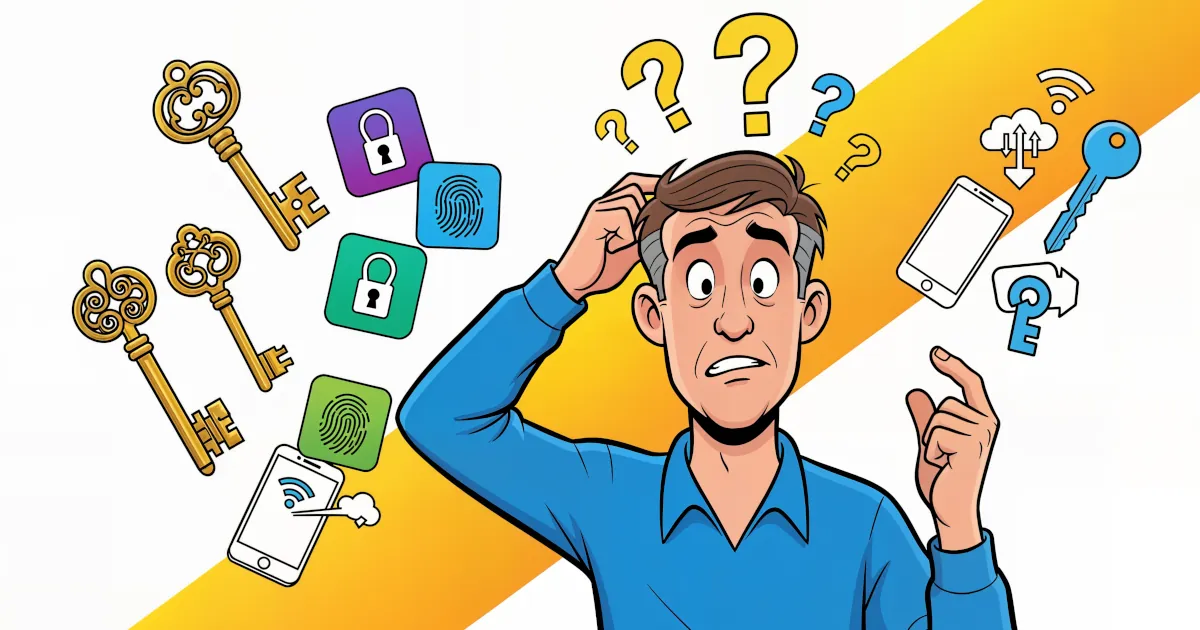
Passwords have had a good run and a terrible one. They’re hard to remember. Sites make you add symbols and numbers until the password looks like ancient runes. Then it leaks in a data breach anyway.
 Emma Rodriguez
Password manager whose Premium plan includes Hotspot Shield VPN at no extra cost. Best suited to households that will use the bundled VPN.

Password manager built on XChaCha20 encryption and audited twice by Cure53. Its Family plan suits households that want strong security at a low price.

Advanced password manager built around powerful form filling, with secure sharing and comprehensive security features.

Detailed feature analysis, performance, and pricing comparison
Security protocols, server networks, and streaming capabilities compared
Speed, privacy policies, and what users report