
Why Unique Passwords Matter and How to Manage Them
Most of us have done it. You signed up for a new website and, instead of thinking up a new password, used the one you always use. Maybe it's your dog's name or your birth year. Maybe it's the classic "Password123." It's easy to remember and nothing bad has happened so far.
That habit is riskier than it seems. Managing a separate password for every account is also easier than you might expect. Your digital safety could depend on it.
The Password Problem: Why Reusing is Risky
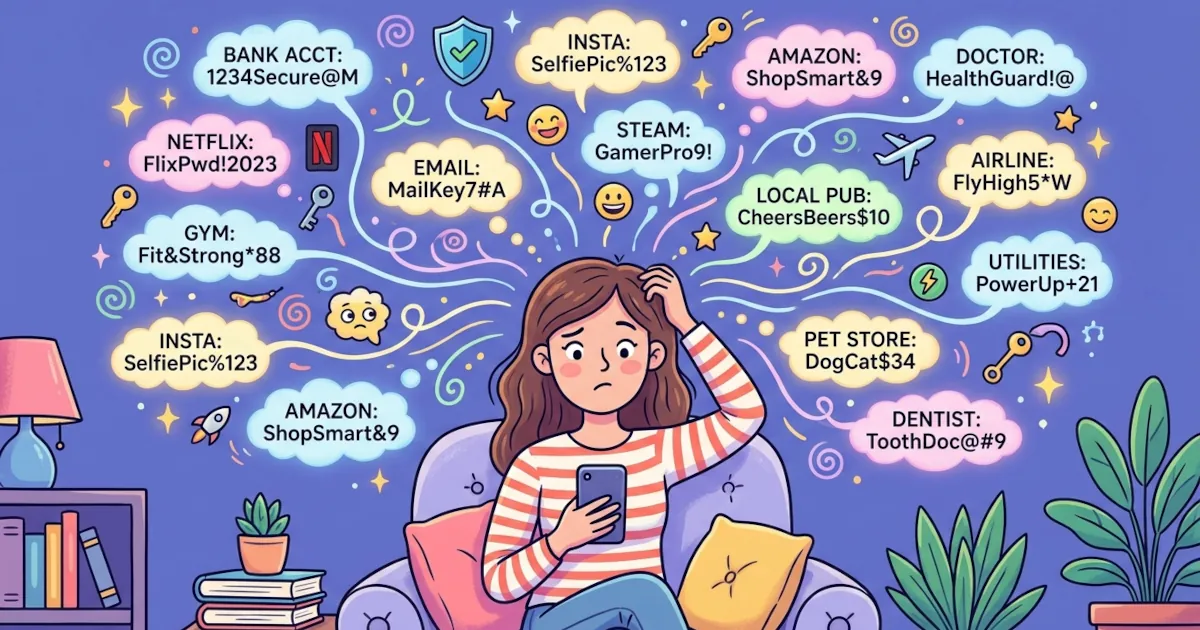
Bank accounts, email, social media and even smart doorbells all live online now. You need a password for every one of them. Human memory isn't built to hold 50 strong, unique passwords.
So we take the path of least resistance.
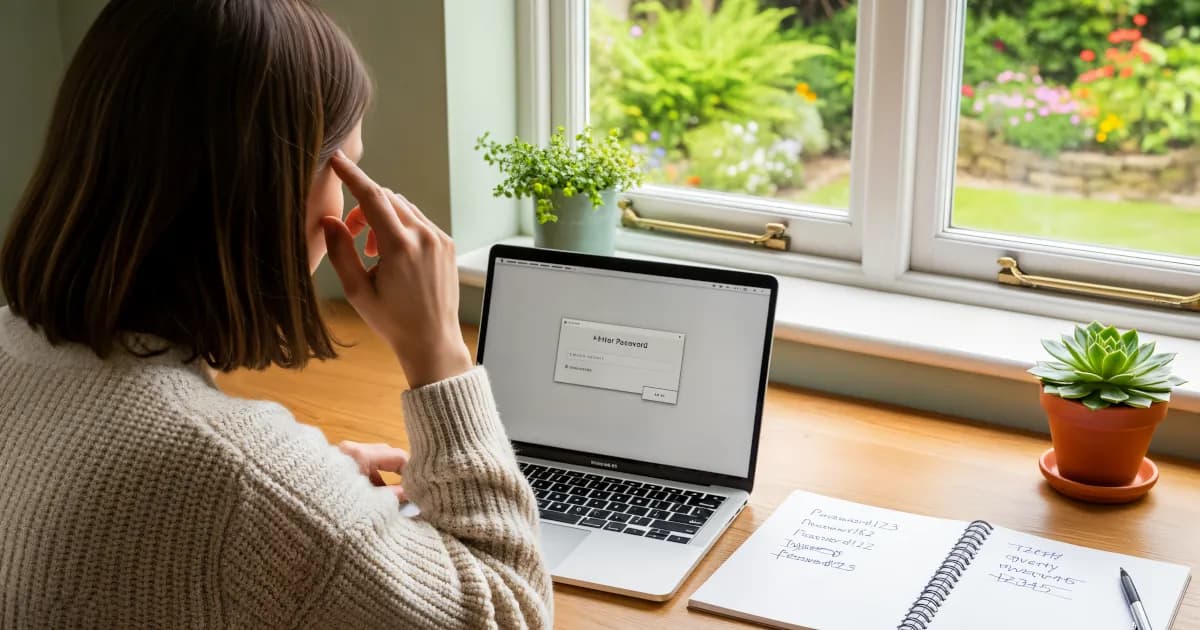
We reuse passwords across several accounts, or we make small changes to one basic password to create the others (like fido123, fido124, fido125).
Reused passwords become a problem when a site is breached.
All it takes is one data breach.
Take this scenario:
- You use the same password for your Netflix account and your email. Your online shopping profiles use it too.
- Netflix gets hacked (hypothetically) and your login credentials are leaked online.
- Hackers try your Netflix email and password combination on popular websites.
- Now your email is compromised, along with your PayPal account and every other account that shares the password.
This technique is called "credential stuffing." Cybercriminals like it because it works. If you've reused passwords, one breach can set off a chain of account takeovers.
The Benefits of Using Unique Passwords
A different password for every account sounds like a lot of work, but the benefits are large:
1. Limit the Damage of a Data Breach
If one site gets hacked, only that account is exposed. Your other accounts stay safe.
2. Stop Hackers in Their Tracks
Hackers exploit predictability. With a unique password for each site, they can't use what they learn from one site to get into another.
3. Protect Your Identity
Identity theft is a real risk. Compromised accounts can lead to stolen money and credit score problems. In the worst case they lead to full-scale identity fraud. Unique passwords work like a different lock on each door.
4. You’ll Appear Way Cooler at Tech Events
Okay, maybe not. But you will know what you're doing, which is worth feeling good about.
That covers why unique passwords matter. The how is less painful than it sounds.
How the Heck Do You Manage All These Passwords?
You don't have to become a memory wizard or cover your house in sticky notes. The answer is simple: password managers.
What’s a Password Manager?
A password manager is software (an app or a browser extension) that stores your passwords securely and helps you create strong, unique ones for every site. You only need to remember one master password to open your password vault.
Popular password managers include:
Most of these tools work across devices and browsers, so your passwords are a click away on a laptop, a tablet or a phone.
Benefits of Password Managers
They Generate Strong Passwords for You
A good password manager can generate complex passwords like Tg!7jsP0x#3vK. You don't have to memorize them.
They Autofill Login Forms
No more typing a long string of gibberish. Your password manager fills in your username and password with one click.
They Store More Than Just Passwords
Many password managers also store credit card info and secure notes, plus two-factor authentication tokens.
They Alert You to Data Breaches
Some premium services tell you when a saved account turns up in a breach, so you can change that password fast.
They Save Time
You don't waste time resetting forgotten passwords or doing the old "incorrect password, try again" dance.
Tips for Using Password Managers
If you decide to (finally) start using a password manager, which you should, these tips will make the switch easier:
Choose a Strong Master Password
You do need to remember this password, so make it strong and unique. Keep birthdays and pets' names out of it. Common phrases are a bad idea too.Enable Two-Factor Authentication (2FA)
Most password managers support 2FA. It adds a second layer of protection. Someone who gets your master password still can't open your vault without the second factor.Keep Your App Updated
Updates fix security flaws. Staying current means you have the latest features and fixes.Audit Your Existing Passwords
Most password managers help you find weak, reused or compromised passwords. The results can be a wake-up call.Back It Up
Many password managers offer secure cloud sync, but it's still a good idea to back up your vault now and then, just in case.
Common Password Mistakes to Avoid
Even with the best tools available, people still make mistakes. Watch out for these common ones:
- Using simple passwords like ‘123456’ or ‘qwerty’
- Recycling passwords across different sites
- Storing passwords in a browser without extra security
- Writing passwords on paper or sticky notes
- Sharing passwords via email or text messages
A password manager lets you avoid all of the above and take a "set it and forget it" approach to security. That's one less thing to worry about.
What Makes a Good Password Anyway?
If you ever need to come up with a password yourself without a generator, use this rule of thumb:
Length > Complexity
Aim for at least 12 characters. Mix uppercase, lowercase, numbers and special characters. A good example:
Th!5IsR3allyG00d
Or use a passphrase, which is a series of random, unrelated words such as:
HorseBatteryStapleMesa!
Make sure it isn't common or easy to guess. It also shouldn't relate to you personally (no birthdays or dog names).
Why It’s Worth the Effort
Passwords are the keys to your online accounts. Most of us now have a lot of keys.
Reusing passwords is like using the same key for your house, car, office, gym locker and secret vault. If someone finds that one key, they get everything.
Unique passwords give each lock its own key. If you lose one, the others are still safe.
A password manager makes looking after all those keys easier than it has ever been. You need one app and one master password.
Don't wait for your Netflix account to get hacked before you act. Change your habits now.