
How Password Managers Generate Strong Passwords
Strong passwords feel like a hassle until you get hacked. After that, they suddenly feel very important.
You don’t need to remember strong passwords. That’s what password managers are for: they create, store and fill them in for you. Below is how they create passwords that attackers can’t easily guess or crack, in plain English.
Why “Strong” Passwords Matter
A few facts first:
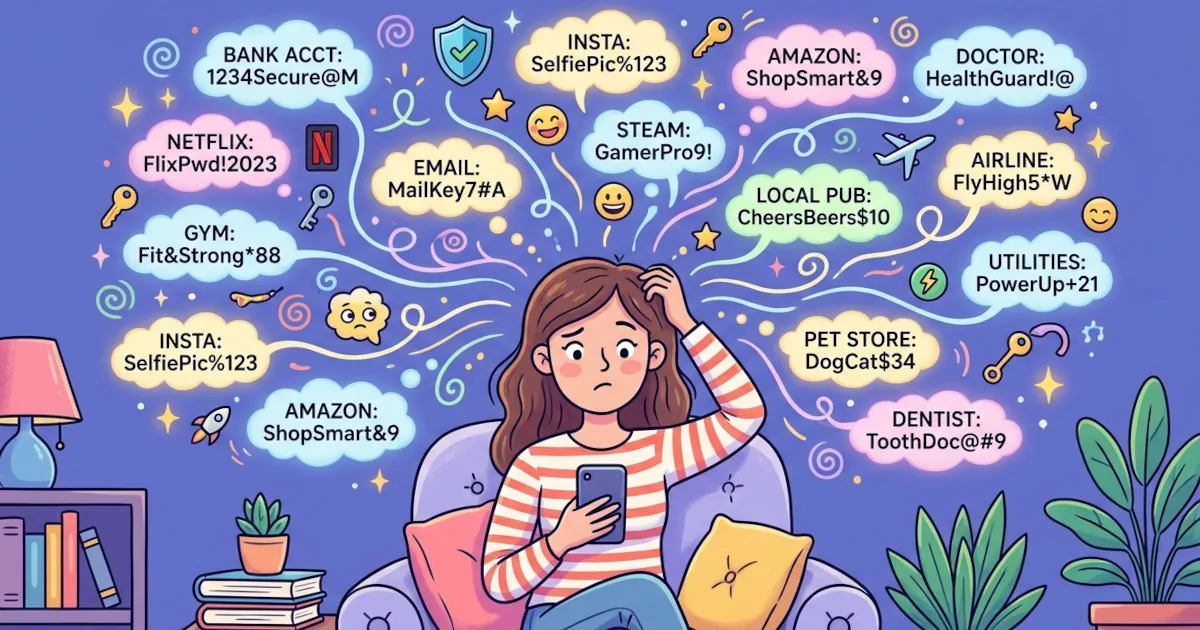
Humans are terrible at passwords.
We reuse them and tack “123” on the end. Some of us think “P@ssw0rd!” is clever. Attackers know all of this.Hackers don’t guess manually.
They use automated tools that can test millions or billions of passwords per second.Weak passwords fall instantly.
Anything short, predictable or reused is close to an open door.
Password managers don’t try to be clever. They use mathematics and randomness, following rules designed to defeat brute-force and guessing attacks.
The Core Idea: Use High-Quality Randomness
A strong password has to be:
- Long: more characters = more possible combinations.
- Random: without patterns, logic or meaningful words.
- Unique: different for every account.
Password managers use something called a cryptographically secure random number generator (CSPRNG).
Instead of using predictable randomness like:
Math.random()in a browser- A simple formula
- The current time
…they use randomness designed for security, often provided by the operating system, such as:
crypto.getRandomValues()in web browsers/dev/urandomor/dev/randomon Linux/macOSBCryptGenRandomor similar APIs on Windows
These systems are engineered to be unpredictable even to someone who knows how they work.
Result: Every password your manager creates is drawn from a huge pool of random possibilities that attackers can’t predict.
How a Password Manager Builds a Strong Password
This is the basic recipe most password managers follow when they generate a password:
1. You Pick the Rules
You’ll usually see options like:
- Length (e.g., 16, 20, 24, or more characters)
- Include uppercase letters (A-Z)
- Include lowercase letters (a-z)
- Include numbers (0-9)
- Include symbols (!@#$%&* etc.)
- Avoid similar characters (O vs 0, l vs 1)
- Make it “pronounceable” or “easy to read”
These rules define the character set your password manager can pull from.
Example character set if you allow everything:
- 26 lowercase letters
- 26 uppercase letters
- 10 digits
- ~20-30 symbols
That can be 60-90 possible characters per position.
2. It Uses Secure Randomness to Pick Characters
For each character position in your password, the manager:
- Generates a secure random number.
- Maps that number to one of the allowed characters.
- Repeats until your desired length is reached.
So a 20-character password is 20 independent random picks from the allowed character set. It has no patterns or dictionary words. Nor does it use the “clever” swaps attackers already know about, such as replacing “a” with “@”.
Example of a manager-generated password:
gT9#nV2z!P4qL8@cR6
It looks like nonsense because it is nonsense. That’s what you want.
Why Length Matters So Much
You’ve probably heard this:
“Use at least 12 characters.”
The reason is combinatorics: the number of possible combinations multiplies with each extra character.
Take a simple example:
- Only lowercase letters: 26 options per position
- 8 characters: 26⁸ ≈ 208 billion combinations
- 16 characters: 26¹⁶ ≈ 4.3 × 10²² combinations
Add uppercase letters, digits and symbols and the number climbs far higher.
Password managers make it easy to use long passwords because you never need to remember or type them manually. That’s why many experts recommend at least 16 characters when possible.
Unique Passwords for Every Account
Even the strongest password becomes weak when reused.
If you use the same strong password on:
- Your email
- Your bank
- A random shopping site
…and that random shopping site gets hacked, attackers will try that password on everything else using credential stuffing attacks.
Password managers solve this by:
- Generating a different password for each site
- Storing them safely in an encrypted “vault”
- Auto-filling the right one on the right site
So even if one service is compromised, the damage stops there.
How Do Password Managers Keep All This Safe?
It’s fair to ask:
“If my password manager stores all my passwords, what if it gets hacked?”
Good password managers use a layered approach to security:
1. Master Password
You choose one strong master password, which:
- Is never sent to the company’s servers
- Is used to encrypt and decrypt your vault locally on your device
This master password is your single key. If it’s strong, you’re in good shape.
2. Strong Encryption
Your vault (all your logins and passwords) is encrypted using strong algorithms such as AES-256.
Without your master password, the data in your vault looks like random noise, even if someone steals the file from a server or device.
3. Zero-Knowledge Design
Many password managers are built so that:
- The company itself can’t see your passwords
- They can’t reset your master password (annoying, but more secure)
- Only you can decrypt your vault
Add a strong, random password for each site and your risk drops dramatically.
What About “Strong but Memorable” Passwords?
Some password managers also offer passphrases instead of the classic jumble of characters.
Example:purple-cactus-moonlight-tractor
These use:
- Random words from a large word list
- Separated by hyphens or spaces
- Still generated by secure randomness
Passphrases are often easier to type and remember while staying very strong, especially when they’re long and fully random.
Quick Tips for Using a Password Manager Safely
Use a strong master password.
Think long and unique: maybe a random passphrase you do memorize.Turn on two-factor authentication (2FA).
Use it for your password manager account and for important services like email and banking.Let the manager generate passwords.
Don’t try to outsmart it. Let it create random passwords of 16-20 characters.Don’t reuse passwords anywhere.
If two sites have the same password, change one of them now.Back up recovery methods.
Save recovery codes or backup keys somewhere safe in case you lose a device.
Summary
Password managers generate strong passwords by using:
- Cryptographically secure randomness
- Long, complex character sets
- Unique passwords for every single account
- Strong encryption to store everything safely
You get passwords that are nearly impossible for attackers to guess, without having to remember any of them yourself.
If you want easier cybersecurity and safer browsing, a password manager is one of the highest-impact changes you can make.