
Why Reusing Passwords Is a Bad Idea
You’ve probably done it. You sign up for a new site and think, “Ugh, another password… I’ll just reuse the one I always use.”
It feels harmless. Efficient, even.
But reusing a password is one of the easiest ways to lose control of your accounts and the data in them. Sometimes it costs you money as well.
The risk comes from what attackers do with a leaked password. A password manager removes the need to reuse one and makes strong security much less painful.
1. One Password, Many Doors
Imagine you have one physical key that opens:
- Your house
- Your car
- Your office
- Your safe
Now imagine you accidentally drop that key in the street.
Whoever finds it can open all four.
Reusing passwords works the same way.
Most people do something like:
- Same email for a lot of sites
- Same password (or small variations) for many of them
So if one website gets hacked and leaks your password, attackers don’t stop there. They try that same email and password everywhere they can think of:
- Gmail, Outlook, Yahoo
- Facebook, Instagram, X, TikTok
- Shopping sites such as Amazon and eBay
- PayPal and online banking
- Crypto exchanges
- Work and school accounts
- Cloud storage
This is called credential stuffing: taking one stolen email/password combo and stuffing it into login forms all over the internet.
If you reuse passwords, that one leak can open many doors.
2. “But It’s Just a Boring Account…”
A common excuse:
“It’s just a random forum / streaming site / game account. Who cares if it gets hacked?”
Two problems with that:
1. That “boring” site still stores your credentials
If that site gets hacked (and lots of small sites do), your reused password is now in the hands of attackers. Whether the site is boring makes no difference to them. They only care whether the password works somewhere else.
They plug it into:
- Your email
- Other logins linked to that email
Once they get your email, they can:
- Reset passwords to other sites
- Read sensitive messages and codes
- Impersonate you
2. Attackers chain small things into big wins
Even an “unimportant” account can reveal:
- Your username patterns
- Your email addresses
- Partial personal details
- Clues to security questions (pet names, city, school, etc.)
All of that can help attackers target more valuable accounts.
So a “silly account” with a reused password is part of a bigger problem.
3. The Real-World Risks of Password Reuse
A reused password can lead to any of the following.
Account takeovers
Someone can log into:
- Your email and lock you out
- Your social media and message your friends or family
- Your streaming account and add devices or change the plan
Financial loss
With access to the right accounts, attackers may:
- Make purchases on shopping sites
- Send money from payment apps
- Transfer or cash out from crypto exchanges
Identity theft
Attackers might:
- Open accounts in your name
- Use your info to answer security questions
- Build a profile they can use to scam others as “you”
Reputation and privacy damage
Someone with your social or email can:
- Send spam or scams from your account
- Post embarrassing or harmful content
- Access your private photos and messages, plus any documents stored there
All of this can start with one reused password leaked by one poorly secured site.
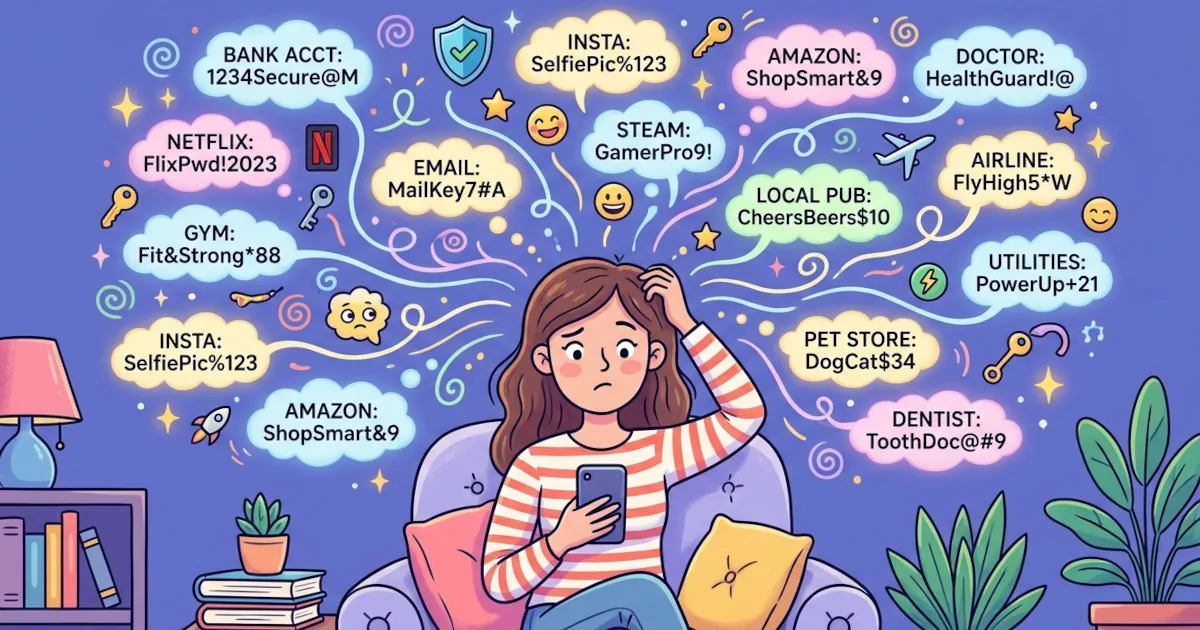
4. “I Just Can’t Remember 50 Different Passwords”
You’re right.
Dozens (or hundreds) of long, unique passwords are too many to remember.
So most people fall back on:
- Reusing passwords
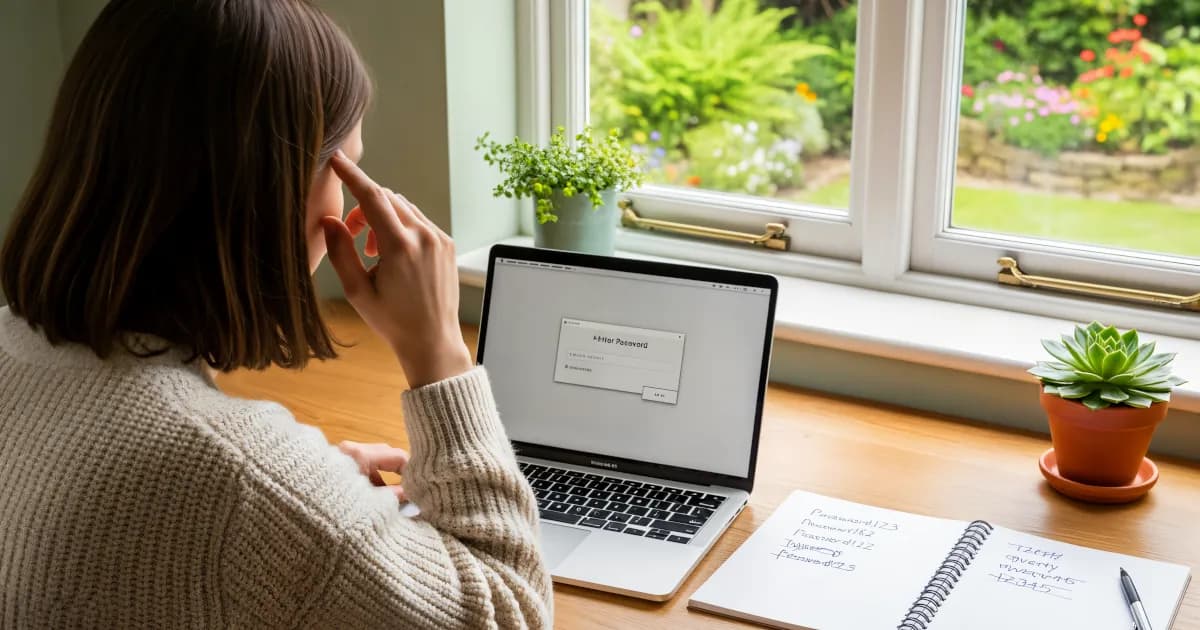
- Using a predictable pattern, such as a year that goes up by one, so Summer2023! becomes Summer2024! and then Summer2025!
- Slight tweaks: password1, password2, password3
The problem:
Attackers know these patterns. They use tools that guess common variations and weak structures. If your strategy is “same base word plus changing number,” that is exactly the kind of pattern those tools guess.
So you need a way to keep a unique password for everything without memorizing any of them.
5. How Password Managers Prevent Password Reuse
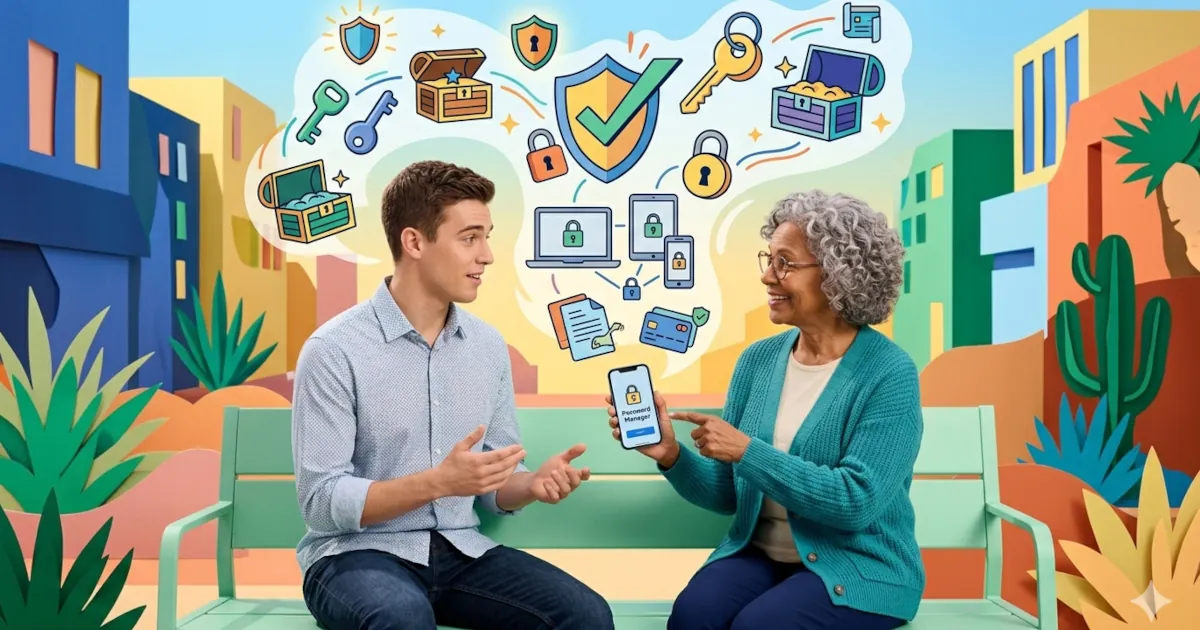
Password managers are designed to solve this exact problem.
A password manager is an app that:
- Stores all your passwords securely in an encrypted vault
- Syncs them across your devices (phone, laptop, tablet, browser)
- Auto-fills logins for you
- Generates strong, unique passwords so you don’t have to think them up
This is how they stop password reuse in practice:
1. They generate unique passwords by default
When you sign up for a new site, the manager suggests something like:
q7!NgiH3L2a$9pZw
You could never memorize that. You don’t need to.
You save it in the manager. The next time you visit the site, the manager fills it in for you.
The result is a different, strong password for every site.
2. They make reusing passwords annoying
Many managers will:
- Warn you if you use the same password on more than one site
- Highlight “reused” or “weak” passwords in a security report
- List those problem passwords so you can update them
That makes reuse the harder option.
3. One strong master password instead of 50 weak ones
You only have to remember:
- One strong master password (for the manager itself)
- Maybe a second factor (like a code or hardware key)
The app handles everything else.
So “I can’t remember 50 unique passwords” becomes “I need to remember one strong one.” That is a much easier problem.
6. “But What If the Password Manager Gets Hacked?”
It’s a fair question.
A decent password manager is still far better than password reuse, for two reasons.
Encryption by design
Good password managers:
- Encrypt your vault on your device
- Never see your master password
- Only store the scrambled (encrypted) version of your data on their servers
Someone who broke into their servers would find only an encrypted blob, which can’t be read without your secret key (your master password).
Security vs. convenience balance
Nothing is 100% unbreakable.
But compare:
- One master password + strong encryption
vs - Reusing the same password across 20+ sites
The first carries far less risk.
7. Simple Steps to Break the Password Reuse Habit
You don’t have to fix everything in one day. This four-step plan spreads the work out.
Step 1: Pick a password manager
Choose a reputable one (Bitwarden, 1Password, Dashlane, etc., or built-in ones like Apple’s iCloud Keychain or your browser’s manager).
Turn on sync and two-factor authentication if offered.
Step 2: Create a strong master password
Make it:
- Long (at least 12-16 characters)
- A phrase of several words that you can remember
Example format:
four random words + a number + a symbol
blue-river-coffee-train27!
Don’t reuse this master password anywhere else.
Step 3: Change the most important accounts first
Update passwords for:
- Email accounts
- Bank accounts and financial apps such as PayPal
- Cloud storage (Google Drive, iCloud, Dropbox, etc.)
- Social media and messaging
For each one:
- Let the manager generate a unique random password
- Save it to the vault
Step 4: Fix the rest over time
You don’t need to hunt down every old account immediately.
When you log into a site and notice you reused a password:
- Open the manager
- Change to a generated password
- Save it
Bit by bit, you get rid of every reused password.
8. Add an Extra Layer: Two-Factor Authentication (2FA)
Even with unique passwords, adding 2FA makes a big difference.
2FA = something you know (password) + something you have (code/device).
Use:
- An authenticator app such as Google Authenticator or Authy, or the one built into 1Password
- Security keys (like YubiKey) if you want to go further
Avoid SMS as your only method when possible (texts can be hijacked), but if it’s all a site offers, it’s still better than nothing.
Summary
Reusing passwords turns every small website into a possible master key to your other accounts.
Unique passwords + a good password manager + 2FA =
- Less stress
- Lower risk
- A smaller chance that one leak becomes a disaster
You don’t need perfect security to stop making it easy for attackers.