
How Password Managers Protect You from Phishing
Phishing is the online version of someone who calls pretending to be your bank and asks for your PIN “for security reasons.”
You’d hang up on that call. Online, people fall for it every day.
A password manager can act as your bodyguard against it.
Here, in plain language, is how password managers protect you from phishing and why that makes one worth using.
Quick refresher: What is phishing?
Phishing is when attackers trick you into giving up your:
- Passwords
- Credit card numbers
- Personal info (like SSNs or IDs)
They usually do this by:
- Sending fake emails or texts that look like they’re from your bank, Netflix or work
- Creating fake websites that copy legitimate ones almost exactly
- Rushing you with “URGENT: Your account will be locked!” messages
The goal is to get you to type your login details into a fake page.
What is a password manager?
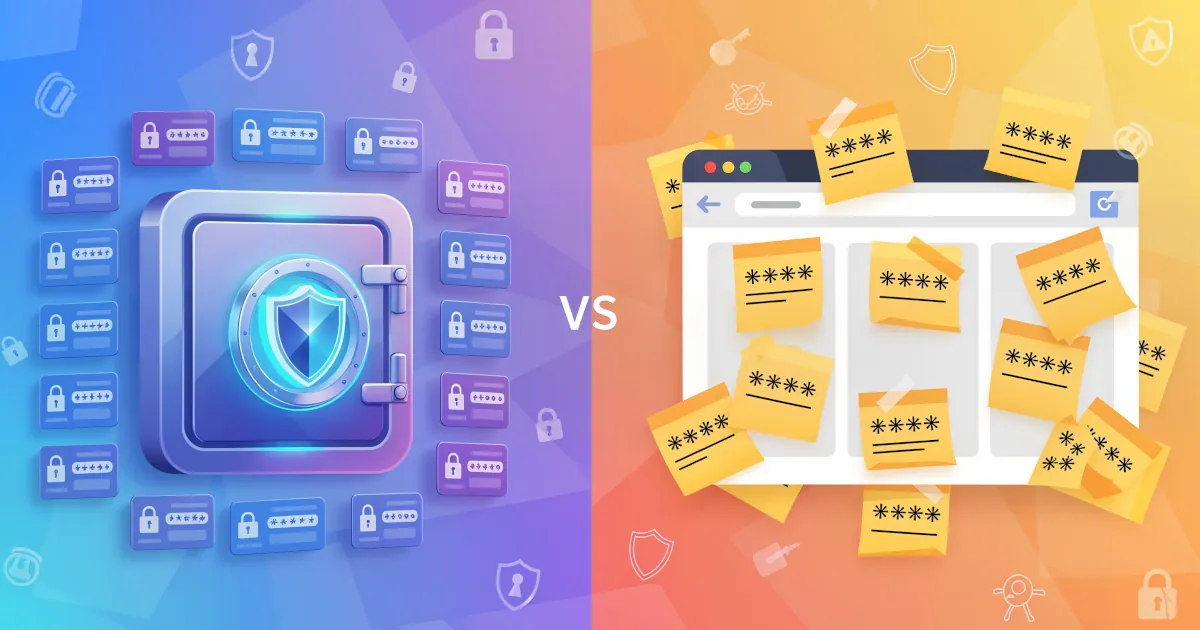
A password manager is like a secure vault for your passwords:
- It stores all your passwords in encrypted form
- It creates strong, unique passwords for every site
- It autofills those passwords only on the correct websites
- You only have to remember one master password (or use biometrics like Face ID)
Each of those features helps against phishing.
1. Autofill only works on the correct site
A password manager checks the website address (URL) before filling anything in.
Phishing sites rely on you seeing something like:
pay-pal.cominstead ofpaypal.comaccounts-secure-google.cominstead ofaccounts.google.com
The page may look right to you, but to a password manager the domain is completely different.
Here is what happens:
- On the legitimate site: your password manager recognizes
paypal.comand offers to autofill. - On the fake site: the domain matches no saved login, so it doesn’t offer to autofill.
That missing autofill is your first big warning sign.
Why this protects you:
If your password manager doesn’t offer to fill your login on a page that looks “normal,” treat that as a red flag. It’s like your guard dog refusing to go near a stranger.
2. It encourages unique passwords for every site
Phishing is extra dangerous if you reuse passwords.
Example:
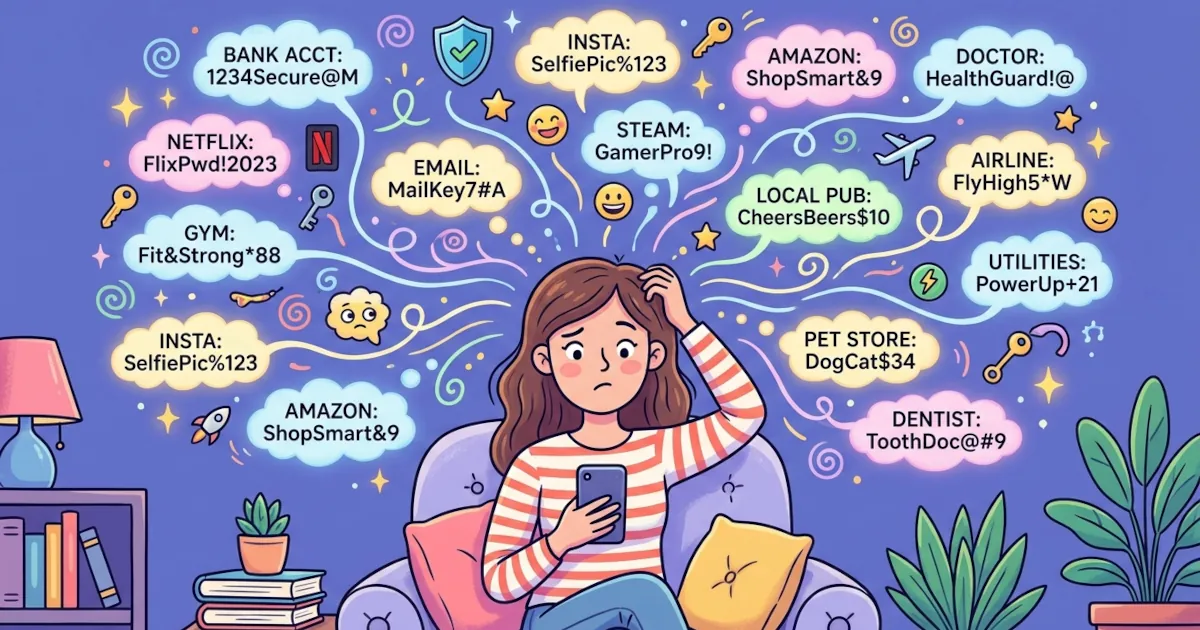
- You use the same password for your email, Amazon and a random forum.
- The forum gets hacked or you get phished there.
- Attackers try that same password on your email and Amazon.
- Boom: full account takeover.
Password managers make it easy to have:
- A different password for every account
- Long, random passwords you don’t have to memorize
So even if:
- You do fall for a phishing site once
- Or one website is breached
The damage stays limited to that one account.
Why this protects you:
Password managers turn password reuse from “normal but risky” into “why would you ever do that?” They make strong, unique passwords the default.
3. They help you spot fake sites by their domain
Phishing pages are designed to fool your eyes.
Password managers look at something harder to fake: the domain.
If you go to:
login.microsoftonline.com→ password manager finds a match.login-microsoftonline.com.security-check.net→ password manager finds no match and fills nothing.
This mismatch is a strong signal:
- The page looks right
- The logo matches
- The wording is familiar
- But your password manager has no saved login for it
That’s your cue to stop and double-check the URL before typing anything.
Why this protects you:
You don’t have to rely on your memory and quick visual checks. The password manager acts as your “domain bouncer” and only lets passwords into the right club.
4. They reduce your habit of typing passwords manually
Many phishing attacks rely on you typing in your password:
- From memory
- From a notebook
- From a file on your computer
When you use a password manager:
- You rarely type passwords yourself
- You open the vault and it fills the fields for you
So if you end up on a phishing site:
- There’s nothing to copy-paste
- There’s nothing to type from memory (because you probably don’t know the password by heart)
That alone makes it far less likely you’ll hand over your login details to a fake page.
Why this protects you:
The less you type passwords by hand, the fewer chances attackers have to trick you into typing them into the wrong place.
5. Many password managers warn you about weak or reused passwords
Beyond phishing, password managers often include:
- Password health checks (weak/reused passwords)
- Breach alerts (if your data appears in known leaks)
This doesn’t stop phishing directly, though it:
- Helps you clean up old, weak or reused passwords
- Reduces the impact if you ever fall for a phishing attempt
If a password is exposed, you can change just that one account instead of panicking about everything else.
Why this protects you:
Better overall password hygiene = less damage from any one mistake.
6. They make secure habits easier than insecure ones
Humans like shortcuts. Attackers know that.
- Reusing passwords = easy
- Remembering 50 different strong passwords = impossible
- Using a password manager = easy again, but safe this time
Why use a password manager:
It makes the secure way the most convenient way:
- One master password or biometric
- Click to log in
- All your other passwords are long, random and unique by default
If a security tool gets in your way, you will probably stop using it. A password manager saves you steps, so you keep using it.
7. Bonus protection: Two-factor authentication (2FA) support
Many password managers also:
- Store your 2FA codes (Time-based one-time passwords)
- Integrate with your login flow
Phishers want both your password and your 2FA code.
No tool can block every trick, but combining:
- A password manager
- With 2FA (preferably via an app or hardware key rather than SMS)
Makes you much harder to hack.
Why this protects you:
Even if someone tricks you into entering a password, without a current 2FA code (and sometimes without your device), it’s still much harder for them to get in.
What a password manager can’t do
A password manager helps a lot. Still, it can’t:
- Stop you from entering personal info (like card numbers) into a fake site
- Fix it if you willingly give a scammer remote access to your computer
- Protect you if someone gets your master password and you don’t use 2FA on the vault
So you still need some basic security habits:
- Double-check URLs, especially from links in emails and texts
- Don’t install random software from unknown sources
- Protect your master password like it’s the key to your house (because it is)
Why you should use a password manager
Here are the core benefits against phishing:
- It won’t autofill on fake sites, which exposes phishing pages
- It makes strong, unique passwords easy, reducing reuse risk
- It checks the domain, which is much harder to fake than a page design
- It reduces manual typing, so you’re less likely to leak passwords
- It often comes with security checks and alerts for extra protection
If you care about safer browsing but don’t want to become a cybersecurity expert, using a password manager is one of the highest-impact, lowest-effort things you can do.