
7 Reasons to Use a Password Manager Today
Why password managers matter for your online security.
Most of us treat passwords the way we treat leftovers in the fridge. We know they matter. We reuse them anyway, right up until something starts to smell suspicious.
Data breaches and phishing scams keep coming from criminals who seem to have nothing better to do. A password manager is one of the easiest and smartest tools you can use to stay safe online.
If you're still typing "Password123!" for your Netflix account, this list is for you. Here are 7 good reasons to start using a password manager today, plus how it can make your digital life a lot easier (and safer).
1. They Keep All Your Passwords Safe in One Place
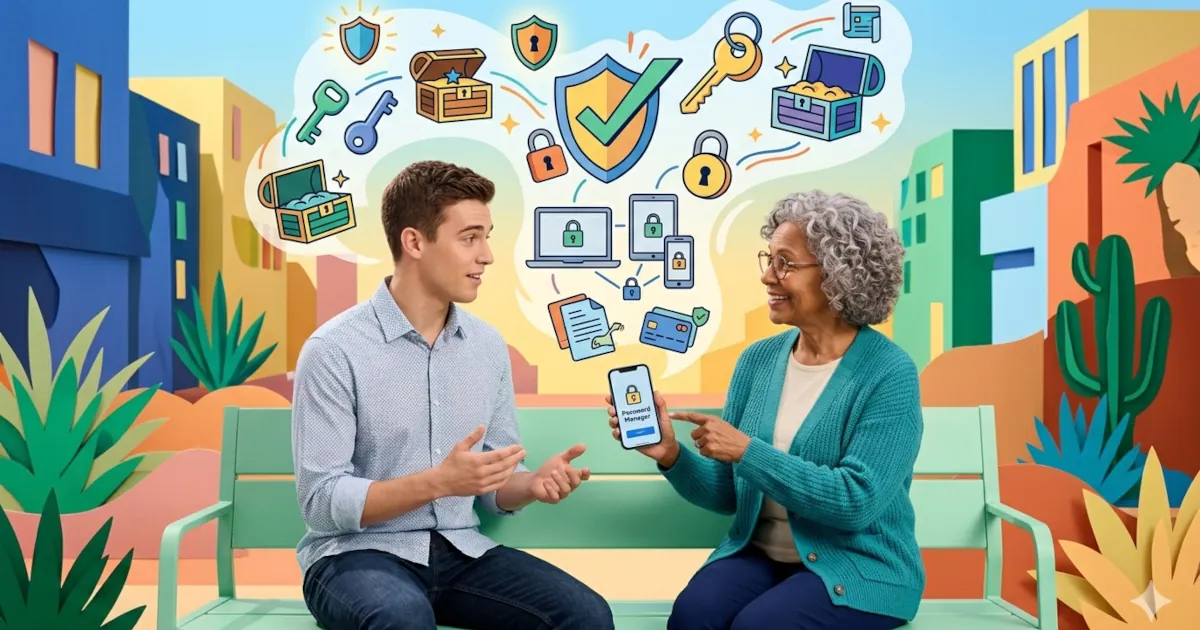
A password manager works like a digital vault. It stores all your login details in one encrypted place.
Instead of remembering dozens (or hundreds) of passwords, you only need to remember one master password. That's it.
Think of it as a magical notebook that nobody else can open, including the company that built it. The data inside your vault is protected with end-to-end encryption, meaning your passwords are encrypted on your device and can only be decrypted with your master password.
Suppose hackers did break into your password manager's servers, which are tightly secured and very rarely breached. All they'd see is a pile of encrypted nonsense, about as readable as your diary after a trip through a blender.
Bonus facts:
Most of the best password managers today, including 1Password, Bitwarden, Dashlane, and NordPass, use AES-256 bit encryption (the same standard used by governments and banks). Your passwords are safer than a penguin in a snowstorm.
2. You'll Never Forget a Password Again
Raise your hand if you've clicked "Forgot Password" more times than you've logged into the site you're trying to use.
Password managers solve this problem completely.
Once you've added your credentials to your password manager, it will auto-fill them whenever you visit a saved website or app. That goes for your email and online banking as much as the meme account you check every day.
No more mental gymnastics. No more "Was it my cat's name or my usual sandwich order?" moments.
If you upgrade to a premium plan, your password manager can also sync across your devices, so you can log in the same way from your phone, tablet or computer.
The short version:
A password manager remembers your passwords so you don't have to. You log in once and the app does the rest.
3. They Create Strong, Unique Passwords Automatically
The internet never told you this when you were a kid:
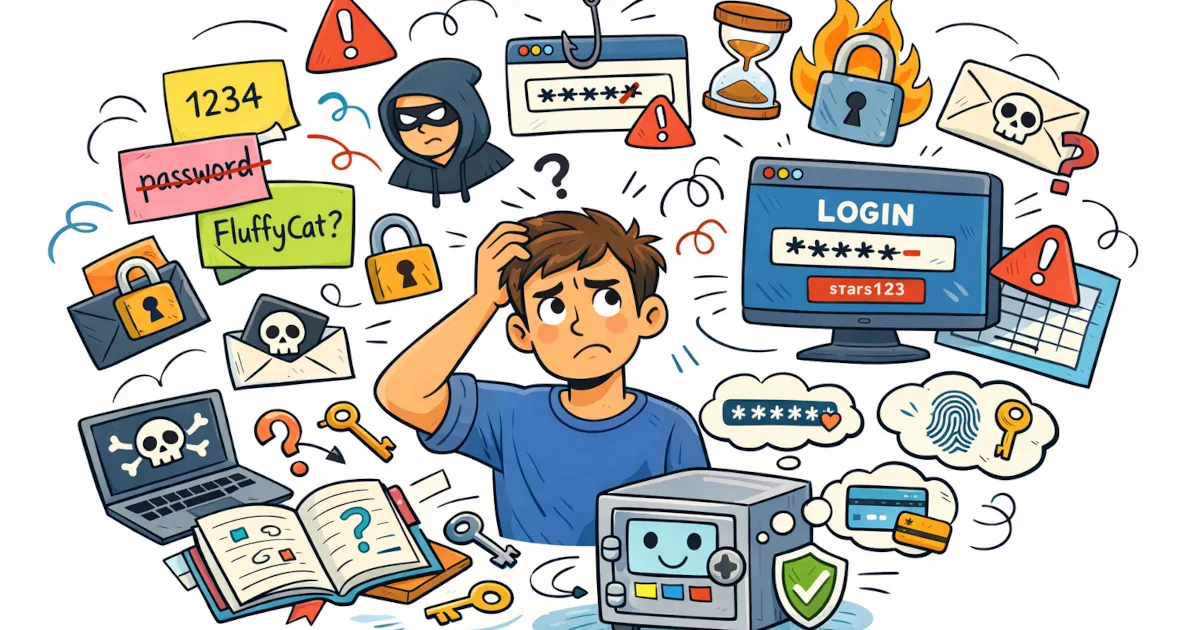
"Fluffy123" is not a secure password.
Any password that includes your pet's name, your birthday or the word "password" is close to an open invitation for hackers.
Password managers fix this.
Most of them have a built-in password generator that can instantly create long, complex passwords, with a different one for each of your accounts.
They look like someone fell asleep on the keyboard:
kF9^s8!rP2Z@hJq0
These are nearly impossible for hackers (or humans) to guess. Your password manager remembers them for you, so you don't have to.
What this prevents:
Using a strong, unique password for every website makes you much safer online and prevents credential stuffing attacks (when hackers use one stolen password to break into multiple accounts).
With a password manager, that kind of digital domino disaster is easy to avoid.
4. They Help You Avoid Reusing Passwords (a Major Risk)
Most of us have reused passwords. It's quick and convenient. It's also one of the riskiest things you can do online.
If one website gets hacked and your password leaks, that same password could give criminals access to every other account where you reused it: your email, your bank, your social media, even your precious cloud storage full of cat photos.
A password manager solves this problem by:
- Generating unique passwords for each account.
- Alerting you if you've reused a password.
- Helping you change weak or duplicate passwords quickly.
Some password managers also include dark web monitoring, which scans for leaked passwords and warns you if your data appears in a breach.
So next time you're tempted to reuse "Fluffy123" because it's easy, remember that convenience is nice but your security is worth far more.
5. Password Managers Save You Time (and Frustration)
Imagine logging into every site you use in seconds, without typing a single password.
That's everyday life with a password manager.
Your password manager fills in your credentials automatically, on shopping sites and work tools alike. Some can also store and auto-fill:
- Credit card details
- Addresses and forms
- Secure notes
That means fewer typos and less time spent on forms or wondering whether you used an uppercase "S" or a dollar sign last time.
Many password managers also come with browser extensions, mobile apps and biometric logins (like Face ID or fingerprints), so you can get into everything in seconds.
Fun fact:
By some estimates, the average person spends over 11 hours per year resetting forgotten passwords. That's almost an entire season of the TV show you're watching right now. A password manager gives that time back.
6. They Make Online Security Simple for Everyone
Cybersecurity has a reputation for being complicated. Encryption, firewalls and two-factor authentication can all sound like something you need a PhD to understand.
Password managers make it simpler.
They follow the best security practices for you, automatically and in the background: creating unique, complex passwords, encrypting data and syncing securely.
You don't need to be a tech expert. You don't even need to know what "AES-256" means (although it's cool if you do). You log in and your password manager handles everything else.
For families or small businesses, many password managers now include family or team plans. These let you share certain logins securely, such as a Netflix account or work software, without revealing the password itself.
No more texting passwords like "tryMyPassword1!" to coworkers. (Seriously, please stop doing that.)
7. They Protect You from Phishing and Scams
You've seen the email claiming your "bank account has been suspended" or that your "delivery failed." You click the link and the page looks official. Before you know it, you've handed your login details to a fake website.
Password managers can help protect you from phishing attacks.
They only auto-fill your login credentials on the exact website you've saved. If you end up on a fake site, say "paypa1.com" instead of "paypal.com", your password manager won't match it to a saved login and won't fill in your credentials.
Think of it as a guardian angel waving a red flag and saying, "Hey, maybe don't type your password here."
Add multi-factor authentication (which most password managers support) and you've built yourself a very strong security wall.
Bonus: They're Easy to Start Using
All of this might sound too good to be true, but getting started is easy.
Most password managers take less than 10 minutes to set up. Here's the usual process:
- Download a password manager (try 1Password, Bitwarden, Dashlane, or NordPass).
- Create your master password. Make it long and unique, but easy for you to remember.
- Add your accounts. Many managers can import them automatically from your browser.
- Start logging in. Your logins are now secure and stress-free.
Many also offer free plans or trial periods, so you can test them before committing.
Once you start using one, you'll wonder how you managed without it. It's like discovering coffee after years of herbal tea.
Common Questions About Password Managers
Are password managers safe?
Yes. Reputable ones use zero-knowledge encryption, which means not even the company can see your data. Your passwords are encrypted before they ever leave your device.
What if I forget my master password?
That's the one thing you do need to remember. Most managers can't reset it for security reasons, but they often offer recovery options (like emergency kits or secure keys).
Can password managers be hacked?
Anything connected to the internet has some risk, but password managers are far more secure than reusing weak passwords across websites. Even in the rare case of a breach, your data remains encrypted and unreadable.
Should I use a free password manager?
Free versions like Bitwarden Free are excellent for personal use, but premium options add advanced features like syncing across devices, encrypted file storage, and dark web monitoring.
The Best Password Managers to Try
If you're ready to start, here are a few top password managers to consider:
| Password Manager | Best For | Notable Features |
|---|---|---|
| 1Password | Families & Teams | Excellent design, Watchtower alerts, secure sharing |
| Bitwarden | Budget Users | Open-source, free tier, strong encryption |
| Dashlane | Power Users | Built-in VPN, dark web monitoring |
| LastPass | Simplicity | Auto-fill and password recovery options |
| NordPass | Security Buffs | Zero-knowledge encryption, biometric login |
Each of these runs on multiple platforms and is easy to install. All of them are regularly updated to keep up with the latest security standards.
Why You Should Start Today
The internet isn't getting safer, but your habits can get smarter.
A password manager is convenient. It also puts you in control of your online security.
It's like hiring a bodyguard who never forgets and never writes your password on a sticky note.
It doesn't matter if you manage 5 accounts or 500. Now is a good time to start using a password manager. It's simple and affordable. It's also one of the best ways to protect yourself online.
Take the First Step
- Choose a password manager.
- Set it up today. It takes minutes.
- Let it handle your logins and enjoy a safer, smoother time online.
Your future self will thank you.
With a password manager, the only password you have to remember is your master password. The app remembers the rest for you.
And for the love of cybersecurity, stop using "Fluffy123."
#PasswordManager #CyberSecurity #OnlineSafety