
Password Managers vs Password Books Explained
Remembering dozens of unique, complex passwords for every app, website and service you use is more than most people can manage without help. Most of us end up either scrambling through sticky notes full of scribbles or relying on a tool designed for this very problem.
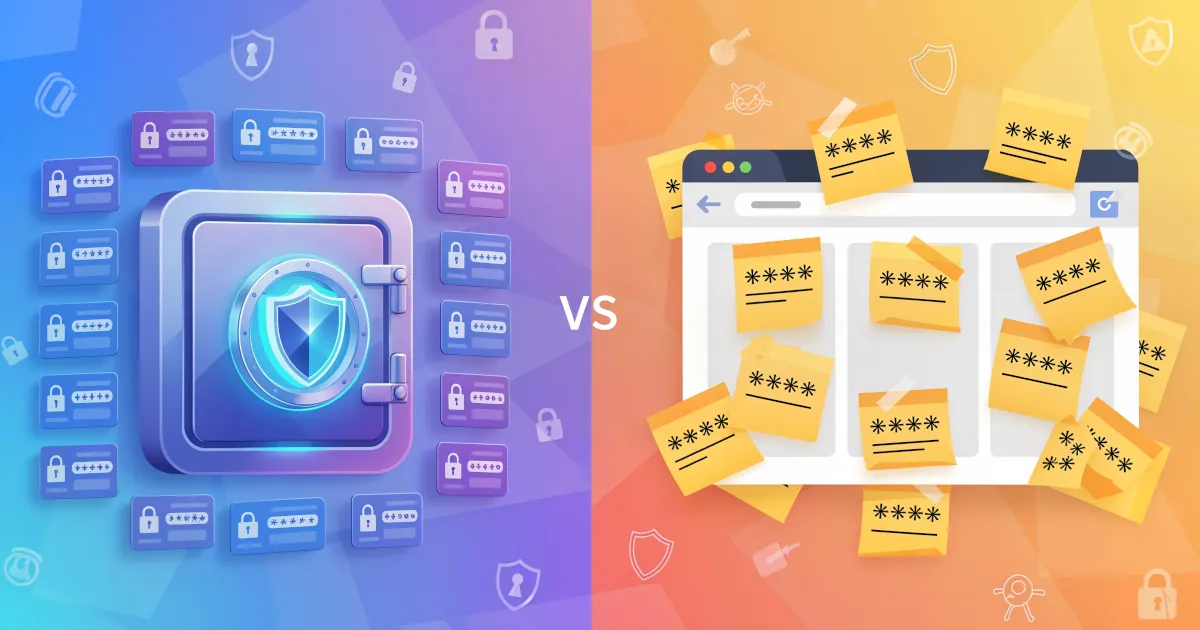
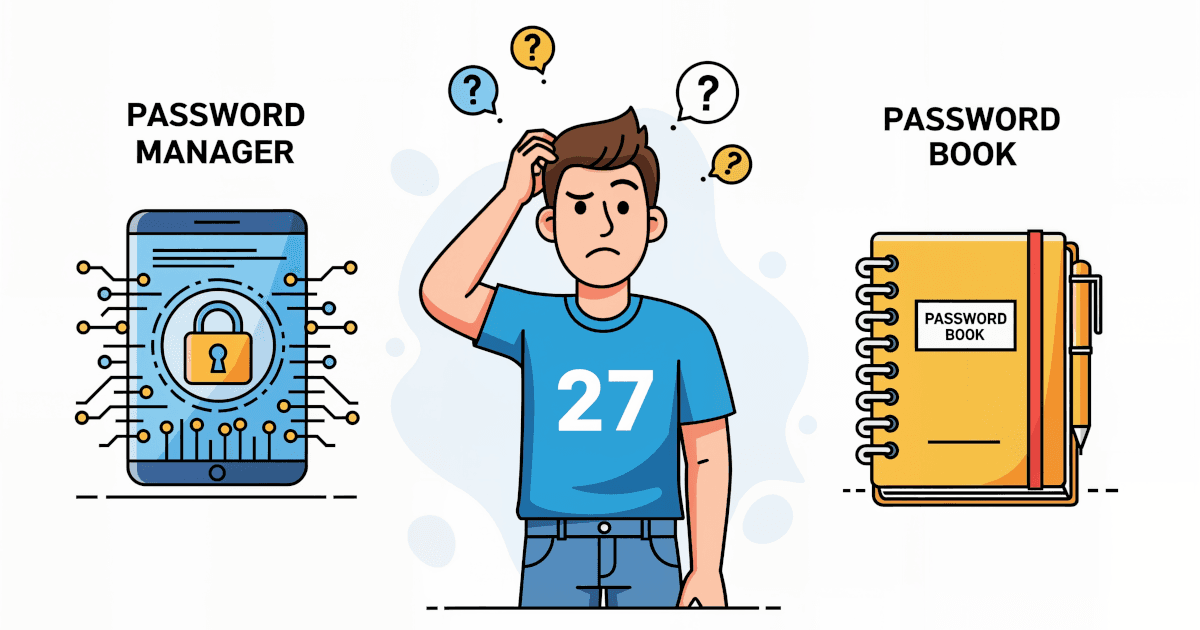
The choice comes down to Password Managers vs Password Books. One is high-tech, the other old-school. One fits in your pocket (or even your brain if you're committed), the other lives on your devices. Comparing them point by point should help you decide which one to use.
What Are We Comparing?
First, the definitions.
Password Books: These are physical notebooks or pre-formatted books where you jot down all your usernames and passwords by hand. Think of it as a diary of digital access, sitting on your desk (or hidden in your drawer, if you're smart).
Password Managers: These are apps or software tools that store all your passwords in one encrypted vault. You need one master password and the service remembers the rest. Most come with browser extensions, mobile apps and even password generators.
Here is how the two compare on Security, Convenience, Cost, Accessibility and Long-Term Usability.
Security: Digital Locks vs. A Closet Key
Password Book:
- Pros: Immune to remote hacking. Someone would have to find the book before they could steal your info.
- Cons: If you lose it or someone physically steals it, whoever has it can read every password. There is no encryption or other protection, just plain text on a page.
Password Manager:
- Pros: Encrypted storage with serious security tech (think military-grade encryption). Many offer multi-factor authentication and alerts for compromised passwords.
- Cons: A potential target for cyber attacks. With proper setup (like enabling 2FA), it's extremely hard for hackers to crack.
Winner: Password Managers. Physical books can't compete with encryption and layered security.
Convenience: Quick Clicks or Page Flipping?
Password Book:
- Pros: Always accessible if you have it with you. It needs no batteries and never has tech problems.
- Cons: You write down, update and look up each password by hand. If you’re logging into an account five times a day, it gets old fast.
Password Manager:
- Pros: Autofills your login credentials on any device and syncs across browsers and phones. It also generates strong passwords instantly.
- Cons: Has a bit of a learning curve if you've never used one. Needs an internet connection for some features.
Winner: Password Managers. You can save hours every week by not typing and retyping passwords.
Cost: What's the Price of Peace of Mind?
Password Book:
- Pros: Dirt cheap. Buy once and you’re done.
- Cons: No ongoing updates or support. If it wears out or goes missing, it's on you.
Password Manager:
- Pros: Plenty of good free options (like Bitwarden and LastPass Free). Paid versions add premium features like advanced sharing, family accounts and breach monitoring.
- Cons: Some of the more feature-rich options can cost $12-60 per year. That is still cheaper than dealing with identity theft.
Winner: Tie. For pure price, books are cheaper. For value and peace of mind, managers are worth every cent.
Accessibility: Where's My Password?
Password Book:
- Pros: Doesn’t rely on internet or power. You always know where it is, as long as you don't misplace it.
- Cons: Your passwords are only available where the book is. If you leave it at home, you can't look anything up.
Password Manager:
- Pros: Syncs across all your devices (phone, laptop, tablet), even your smart fridge if that's your thing.
- Cons: You’ll need your master password for access. Lose it and your recovery options might be limited.
Winner: Password Managers. Being able to reach your passwords anywhere, at any time, is hard to beat.
Long-Term Usability & Maintenance
Password Book:
- Pros: Simple. No updates, no crashes.
- Cons: Goes out of date fast. You’ll be scratching out old passwords, adding sticky notes for overflow or starting a new one every year.
Password Manager:
- Pros: Updates automatically when you change passwords. New logins go in as you sign up for things. Every change is saved automatically.
- Cons: May become bloated if not cleaned up now and then. A quick digital declutter fixes that.
Winner: Password Managers. Set it and forget it.
Additional Benefits of Password Managers
If you're still unsure whether a password manager is worth the switch from your trusty notebook, here are a few more reasons to make it:
1. Security Alerts & Breach Monitoring
Most managers will notify you if one of your saved websites suffers a data breach or if your credentials have appeared on the dark web.
2. Strong Password Generation
Instead of “Fluffy2020”, one click gives you “Z9#vB$8QtrLk”. You never have to remember it.
3. Secure Sharing
Managers like 1Password and LastPass let you share logins securely with a spouse, coworker, or family member without revealing the password itself.
4. Cross-Platform Support
Your manager works on iPhone or Android, Windows or macOS. It syncs everywhere in real time.
5. Multi-Factor Authentication (MFA)
Most password managers support MFA tokens and can even help manage them. That puts another wall between hackers and your sensitive info.
Popular Password Managers (Spoiler: Most Are Great)
If you’re ready to try one, these top-rated tools are worth checking out:
| Password Manager | Free Version? | Highlights |
|---|---|---|
| 1Password | No | Great interface, vault structure, travel mode |
| LastPass | Yes | Easy to use, autofill, free tier available |
| Bitwarden | Yes | Open-source, very secure, great for geeks |
| Dashlane | Yes | Offers a password health report |
| NordPass | Yes | Simple sliders, strong security, smooth UI |
What suits you best depends on what you need. For families or teams, look at 1Password or Dashlane. For something fully free and open-source, Bitwarden has you covered.
Final Verdict: Which Should You Choose?
If you like paper and structure and don’t mind manual work, a password book might still work for you. Just be careful where you store it. Treat it like the keys to your digital castle.
If you value security, automation and access to your passwords anytime, anywhere, a password manager is the obvious next step.
You don’t need to be tech-savvy to use one. Most managers walk you through the setup with helpful tips and FAQs. Once you’re in the habit, you won’t want to go back.
Pro Tip Before You Switch
Make sure to:
- Create a strong master password. Only this password opens your vault.
- Enable two-factor authentication.
- Export and destroy your old password book (after transferring everything to your password manager).
At a Glance
| Feature | Password Book | Password Manager |
|---|---|---|
| Security | Low | High |
| Convenience | Low | High |
| Accessibility | Low | High |
| Cost | Low | Low-Medium |
| Long-Term Usability | Medium | High |