
1Password
Best for: Multi-user / Family
- Password Generator
- Dark Web Monitoring
- Travel Mode
Paid password manager with a local Secret Key and Travel Mode. Suits households, as its Families plan covers five members and five guests.
£2.32/month
1Password vs Proton Pass sets an established premium password manager against a privacy-first newcomer from the makers of ProtonMail. 1Password has years of refinement behind it, with extensive features and a polished…
Paid password manager with a local Secret Key and Travel Mode. Suits households, as its Families plan covers five members and five guests.
Swiss password manager from Proton that encrypts every vault field and has built-in 2FA codes. Suits privacy advocates and people already using Proton.
1Password vs Proton Pass sets an established premium password manager against a privacy-first newcomer from the makers of ProtonMail. 1Password has years of refinement behind it, with extensive features and a polished design. Proton Pass puts privacy and security first, with open-source code, Swiss jurisdiction and integration with Proton's other privacy services.
Security & Privacy: Both use AES-256 encryption with zero-knowledge architecture. Proton Pass is open source (anyone can audit the code) and is covered by Swiss privacy laws. 1Password has more frequent third-party security audits and its unique Secret Key system. Privacy advocates will find Proton Pass's open-source code and Swiss jurisdiction compelling. For general users, 1Password's audit history gives more assurance.
Feature Maturity: 1Password has more features, including Travel Mode, better form-filling, fuller shared vaults, document storage and Watchtower monitoring. Proton Pass covers the basics: password storage, 2FA code generation, hide-my-email aliases and data breach monitoring. 1Password feels feature-complete. Proton Pass is newer (launched 2023) and still adding to its feature set. It also has a generous free tier with the core functions.
User Experience: 1Password has the more polished UX, with better visual design and smoother workflows. It is also more consistent across platforms. Proton Pass has a cleaner, simpler interface that some users prefer, though it can feel bare at times. 1Password's browser extension is more reliable. The mobile apps are of similar quality, although 1Password's iOS app is more refined. If you already use other Proton services, Proton Pass ties in closely with them.
| Feature | 1Password | Proton Pass |
|---|---|---|
Biometric Login | ||
Breaches in the last 5 years | ||
Browser Extensions | ||
Cross-Platform Sync | ||
Customer Support | ||
Dark Web Monitoring | ||
Emergency Access | ||
File Attachments | ||
Form Autofill | ||
Free Tier Available | ||
Offline Access | ||
Open Source Apps | ||
Password Audit | ||
Password Encryption | ||
Password Generator | ||
Password Sharing Permissions | ||
Secure Notes | ||
Secure Sharing | ||
Security Audits | ||
Security Breach Alerts | ||
Travel Mode | ||
Two-Factor Authentication | ||
Zero-Knowledge Architecture |
Choose 1Password if you want the most features and the most polished experience from a password manager with a proven track record. It suits families and power users who need a full feature set.
Go with Proton Pass if you put privacy and transparency first or already use Proton's services. Its capable free tier is another reason to pick it. It suits privacy advocates who value open-source software and don't need advanced features.
For most users, the choice comes down to priorities. If you value privacy above all, Proton Pass's open-source code and Swiss jurisdiction make a strong case for it. If you already use ProtonMail or ProtonVPN, Proton Pass fits in well alongside them. If you need mature features and polished UX, 1Password is still the better choice. Proton Pass is younger and has fewer features, though it is improving quickly. Choose Proton Pass if you're privacy-focused or already use Proton services. Choose 1Password if you want the most refined, feature-complete password manager available.

Passwords have had a good run and a terrible one. They’re hard to remember. Sites make you add symbols and numbers until the password looks like ancient runes. Then it leaks in a data breach anyway.
 Emma Rodriguez
If you’re still using the same password for multiple accounts, it’s time for an intervention.
 David Chen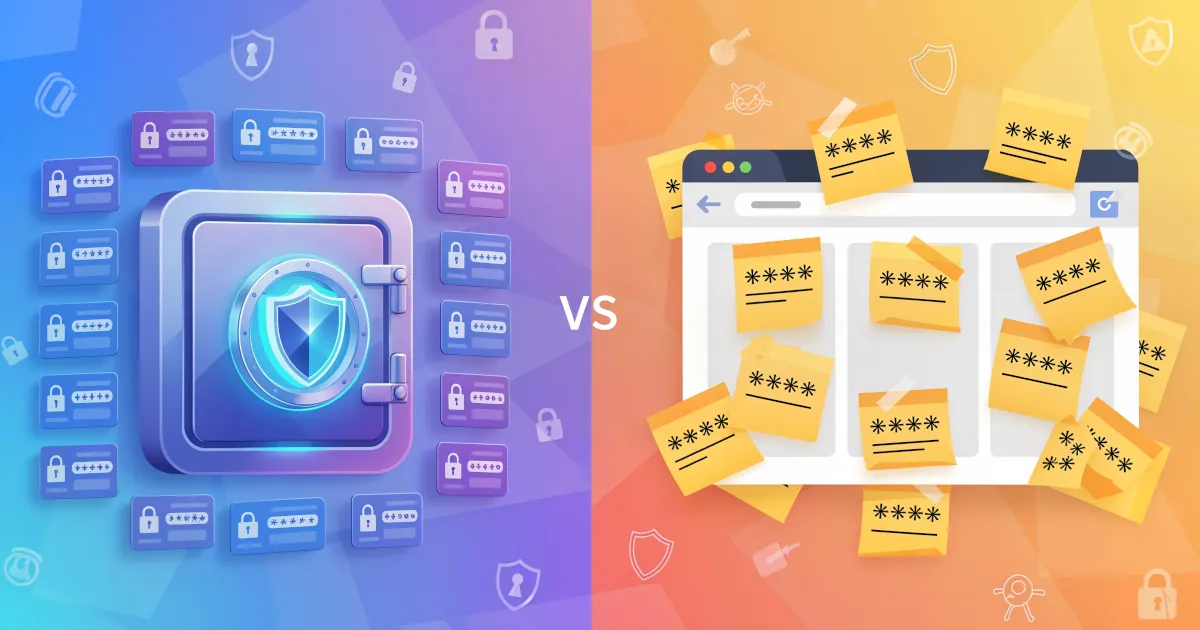
A password manager is usually a smarter choice than browser autofill, especially if you care about your accounts and your money.
Emma Rodriguez
Password manager whose Premium plan includes Hotspot Shield VPN at no extra cost. Best suited to households that will use the bundled VPN.

Password manager built on XChaCha20 encryption and audited twice by Cure53. Its Family plan suits households that want strong security at a low price.

Advanced password manager built around powerful form filling, with secure sharing and comprehensive security features.

Detailed feature analysis, performance, and pricing comparison

Security protocols, server networks, and streaming capabilities compared

Speed, privacy policies, and what users report