Kaspersky Password Manager
Best for: Security-conscious users
- Password Encryption
- File Attachments
- Free Tier Available
Security-focused password manager that uses AES-256 encryption, with a digital wallet and broad document storage.
£1.33/month

Kaspersky Password Manager vs Sticky Password compares two dated password managers that fill different niches. Kaspersky Password Manager is a security suite add-on with basic features. Sticky Password offers local WiFi…
Security-focused password manager that uses AES-256 encryption, with a digital wallet and broad document storage.
Password manager that offers a lifetime license, with Wi-Fi-only local sync and a portable USB version. Suits individuals who want a one-time purchase.
Kaspersky Password Manager vs Sticky Password compares two dated password managers that fill different niches. Kaspersky Password Manager is a security suite add-on with basic features. Sticky Password offers local WiFi sync and lifetime licenses.
Security Credentials: Sticky Password uses AES-256 encryption with local WiFi sync. Its security record is good (no breaches since 2001), though its auditing is less transparent. Kaspersky uses AES-256 but faces trust concerns as a Russian-based company under government bans in Western countries. Sticky Password has no such geopolitical issues.
Feature Comparison: Sticky Password has unique features: local WiFi sync (no cloud), portable USB versions and lifetime licenses. Kaspersky's basic functionality covers password storage, auto-fill and a password generator. Sticky Password at least has its unique local sync. Kaspersky is basic in every way.
User Experience: Both have dated interfaces. Sticky Password's is dated and cluttered but works for local sync. Kaspersky's is clunky on every platform. Sticky Password has slightly better mobile apps and better browser extensions, though both products are dated.
Trust & Jurisdiction: Kaspersky's Russian origins and government bans raise trust issues for Western users. Sticky Password doesn't face these concerns.
| Feature | Kaspersky Password Manager | Sticky Password |
|---|---|---|
Biometric Login | ||
Breaches in the last 5 years | ||
Browser Extensions | ||
Cross-Platform Sync | ||
Customer Support | ||
Dark Web Monitoring | ||
Emergency Access | ||
File Attachments | ||
Form Autofill | ||
Free Tier Available | ||
Offline Access | ||
Open Source Apps | ||
Password Audit | ||
Password Encryption | ||
Password Generator | ||
Password Sharing Permissions | ||
Secure Notes | ||
Secure Sharing | ||
Security Audits | ||
Security Breach Alerts | ||
Travel Mode | ||
Two-Factor Authentication | ||
Zero-Knowledge Architecture |

If you use a password manager (and you should), one password protects all the others: your master password.
 David Chen
Using a password manager means strong, unique passwords for every account, which is one of the best things you can do for your security.
David Chen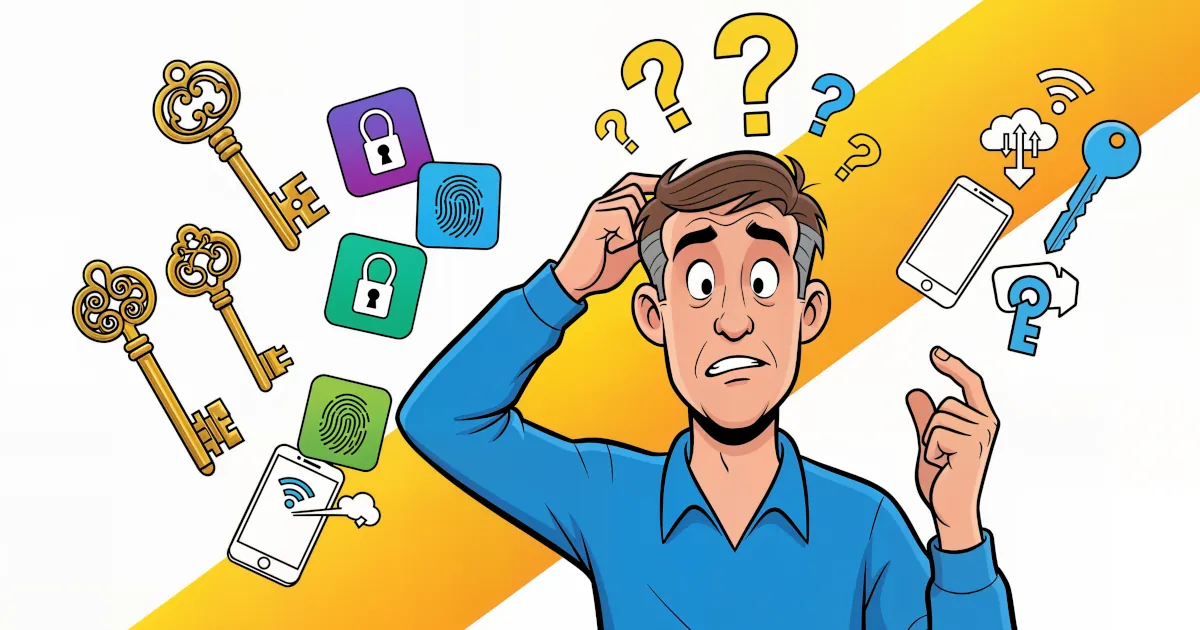
Passwords have had a good run and a terrible one. They’re hard to remember. Sites make you add symbols and numbers until the password looks like ancient runes. Then it leaks in a data breach anyway.
 Emma Rodriguez
Password manager whose Premium plan includes Hotspot Shield VPN at no extra cost. Best suited to households that will use the bundled VPN.

Password manager built on XChaCha20 encryption and audited twice by Cure53. Its Family plan suits households that want strong security at a low price.

Advanced password manager built around powerful form filling, with secure sharing and comprehensive security features.

Detailed feature analysis, performance, and pricing comparison
Security protocols, server networks, and streaming capabilities compared

Speed, privacy policies, and what users report