NordPass
- Password Encryption
- Dark Web Monitoring
- Free Tier Available
Password manager built on XChaCha20 encryption and audited twice by Cure53. Its Family plan suits households that want strong security at a low price.
NordPass vs Enpass sets cloud-based simplicity against privacy-focused local control. NordPass offers automatic cloud sync and a clean interface, on Nord Security infrastructure. Enpass gives complete data control, with…
Password manager built on XChaCha20 encryption and audited twice by Cure53. Its Family plan suits households that want strong security at a low price.
Privacy-focused password manager that keeps your vault on your own device for offline use, with sync through the cloud storage you choose.
NordPass vs Enpass sets cloud-based simplicity against privacy-focused local control. NordPass offers automatic cloud sync and a clean interface, on Nord Security infrastructure. Enpass gives complete data control, with local-only storage or user-controlled cloud sync.
Security Philosophy: NordPass uses XChaCha20 encryption with cloud storage (zero-knowledge). Enpass uses AES-256 with local-only storage or sync through your own cloud accounts, so your data never touches Enpass servers. Privacy advocates prefer Enpass's approach. People who put convenience first prefer NordPass's automatic sync.
Feature Comparison: NordPass offers simple cloud features: passwordless authentication, automatic sync, breach scanning and a modern interface. Enpass offers flexibility and privacy: local storage, a built-in browser, a portable mode and no vendor lock-in. NordPass is simpler and cleaner. Enpass puts control first.
User Experience: NordPass has the cleaner, more modern interface, with automatic sync and easier setup. Enpass feels utilitarian and needs its sync configured by hand. NordPass's browser extension is faster and more polished. Its mobile apps also have the more modern design, though Enpass works well once configured.
Pricing Models: NordPass uses a subscription model built around its premium experience. Enpass offers lifetime license options (one-time purchase) or subscriptions. For people who prefer ownership, Enpass works out cheaper over the long term.

| Feature | NordPass | Enpass |
|---|---|---|
Biometric Login | ||
Breaches in the last 5 years | ||
Browser Extensions | ||
Cross-Platform Sync | ||
Customer Support | ||
Dark Web Monitoring | ||
Emergency Access | ||
File Attachments | ||
Form Autofill | ||
Free Tier Available | ||
Offline Access | ||
Open Source Apps | ||
Password Audit | ||
Password Encryption | ||
Password Generator | ||
Password Sharing Permissions | ||
Secure Notes | ||
Secure Sharing | ||
Security Audits | ||
Security Breach Alerts | ||
Travel Mode | ||
Two-Factor Authentication | ||
Zero-Knowledge Architecture |

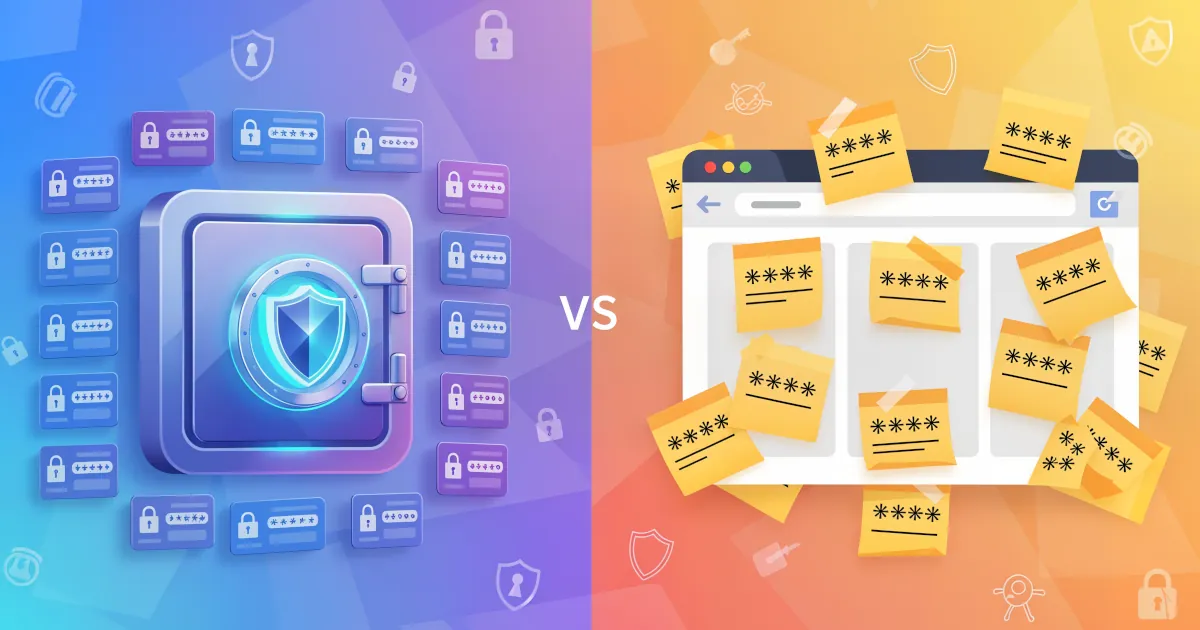
A password manager is usually a smarter choice than browser autofill, especially if you care about your accounts and your money.

If you’ve ever thought “I don’t trust password managers” while reusing the same three passwords everywhere, start here.

Passwords sent by text or email, or left on sticky notes, are about as safe as a house key taped to the front door. It might work for now, but one day it won’t.
Paid password manager with a local Secret Key and Travel Mode. Suits households, as its Families plan covers five members and five guests.
Password manager whose Premium plan includes Hotspot Shield VPN at no extra cost. Best suited to households that will use the bundled VPN.
Advanced password manager built around powerful form filling, with secure sharing and comprehensive security features.