Proton Pass
- Password Encryption
- Zero-Knowledge Architecture
- Free Tier Available
Swiss password manager from Proton that encrypts every vault field and has built-in 2FA codes. Suits privacy advocates and people already using Proton.
Proton Pass vs Enpass compares two approaches to privacy: open-source code in the cloud and local control of your data. Proton Pass (launched 2023) is open source and runs under Swiss jurisdiction as part of the…
Swiss password manager from Proton that encrypts every vault field and has built-in 2FA codes. Suits privacy advocates and people already using Proton.
Privacy-focused password manager that keeps your vault on your own device for offline use, with sync through the cloud storage you choose.
Proton Pass vs Enpass compares two approaches to privacy: open-source code in the cloud and local control of your data. Proton Pass (launched 2023) is open source and runs under Swiss jurisdiction as part of the cloud-based Proton ecosystem. Enpass gives users complete control of their data, with local-only storage or sync they manage themselves.
Security & Privacy: Proton Pass uses AES-256 encryption with zero-knowledge cloud storage. Its code is open source and auditable. It falls under Swiss jurisdiction. Enpass also uses AES-256, with data stored only locally or synced through your own accounts. The two take different views of privacy: open-source cloud versus local control.
Feature Comparison: Proton Pass offers cloud privacy features: password storage, 2FA generation, hide-my-email aliases, breach monitoring, open-source code and integration with the Proton ecosystem. Enpass offers local privacy features: local storage, a built-in browser, portable mode and no vendor lock-in. Proton Pass is newer and built around the cloud. Enpass is a mature local product.
User Experience: Proton Pass has a cleaner, more modern interface that is easy to use as a cloud service. Enpass feels utilitarian and requires sync to be configured. Both appeal to privacy advocates, but in different ways. Proton Pass has the better-designed browser extension and the more polished mobile apps.
Privacy Approach: Proton Pass is ahead on transparency (open source, Swiss). Enpass is ahead on control (local storage). Which one suits a user depends on which of those they value more.

| Feature | Proton Pass | Enpass |
|---|---|---|
Biometric Login | ||
Breaches in the last 5 years | ||
Browser Extensions | ||
Cross-Platform Sync | ||
Customer Support | ||
Dark Web Monitoring | ||
Emergency Access | ||
File Attachments | ||
Form Autofill | ||
Free Tier Available | ||
Offline Access | ||
Open Source Apps | ||
Password Audit | ||
Password Encryption | ||
Password Generator | ||
Password Sharing Permissions | ||
Secure Notes | ||
Secure Sharing | ||
Security Audits | ||
Security Breach Alerts | ||
Travel Mode | ||
Two-Factor Authentication | ||
Zero-Knowledge Architecture |

If you’ve ever thought “I don’t trust password managers” while reusing the same three passwords everywhere, start here.

Why each account needs its own password and how a password manager makes that easy to manage.

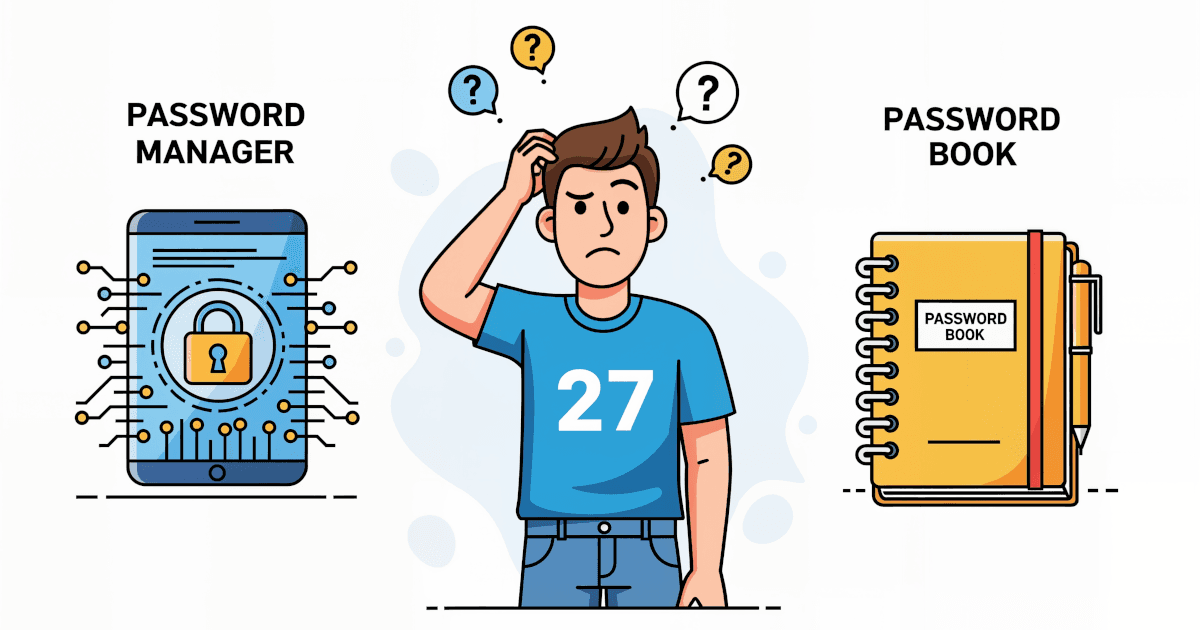
One is high-tech, the other old-school. Here is how password managers and password books compare on security, convenience, cost, accessibility and long-term use.
Password manager whose Premium plan includes Hotspot Shield VPN at no extra cost. Best suited to households that will use the bundled VPN.
Password manager built on XChaCha20 encryption and audited twice by Cure53. Its Family plan suits households that want strong security at a low price.
Advanced password manager built around powerful form filling, with secure sharing and comprehensive security features.