
TeamPassword
Best for: Teams and small businesses
- Password Encryption
- Secure Sharing
- Browser Extensions
Password manager for teams that need to share logins securely, with group management and SOC 2 compliance for businesses.
£1.80/month

TeamPassword vs 1Password compares a team collaboration tool with a full-featured password manager. TeamPassword focuses only on business password sharing for small teams. 1Password serves individuals, families and…
Password manager for teams that need to share logins securely, with group management and SOC 2 compliance for businesses.
Paid password manager with a local Secret Key and Travel Mode. Suits households, as its Families plan covers five members and five guests.
TeamPassword vs 1Password compares a team collaboration tool with a full-featured password manager. TeamPassword focuses only on business password sharing for small teams. 1Password serves individuals, families and businesses, with extensive features that cover every use case.
Security Approach: Both use AES-256 encryption with zero-knowledge architecture. 1Password adds its Secret Key system and has an extensive history of third-party audits. TeamPassword's security is sound but less transparent, with fewer public audits. Both support 2FA, though 1Password offers more authentication options.
Target Use Case: TeamPassword serves only small business teams (2-10 people) that need shared password management, including shared credentials, team access and activity logging. 1Password serves individuals, families, and businesses with features that include personal vaults, family sharing, business accounts, Travel Mode and document storage. The two have entirely different scopes.
User Experience: 1Password has the better consumer UX, with a polished interface and good-looking mobile apps that make personal workflows easy. TeamPassword's interface is utilitarian and business-focused, built around shared password groups, team management and access logs. 1Password is more elegant, while TeamPassword concentrates on simple team use.
Feature Differences: 1Password has more breadth: personal vaults, family sharing, form-filling, Watchtower monitoring and Travel Mode. It suits both personal and business use. TeamPassword has the tighter team focus: straightforward shared password management without the complexity of personal use.
| Feature | TeamPassword | 1Password |
|---|---|---|
Biometric Login | ||
Breaches in the last 5 years | ||
Browser Extensions | ||
Cross-Platform Sync | ||
Customer Support | ||
Dark Web Monitoring | ||
Emergency Access | ||
File Attachments | ||
Form Autofill | ||
Free Tier Available | ||
Offline Access | ||
Open Source Apps | ||
Password Audit | ||
Password Encryption | ||
Password Generator | ||
Password Sharing Permissions | ||
Secure Notes | ||
Secure Sharing | ||
Security Audits | ||
Security Breach Alerts | ||
Travel Mode | ||
Two-Factor Authentication | ||
Zero-Knowledge Architecture |

Passwords have had a good run and a terrible one. They’re hard to remember. Sites make you add symbols and numbers until the password looks like ancient runes. Then it leaks in a data breach anyway.
 Emma Rodriguez
If you’re still using the same password for multiple accounts, it’s time for an intervention.
 David Chen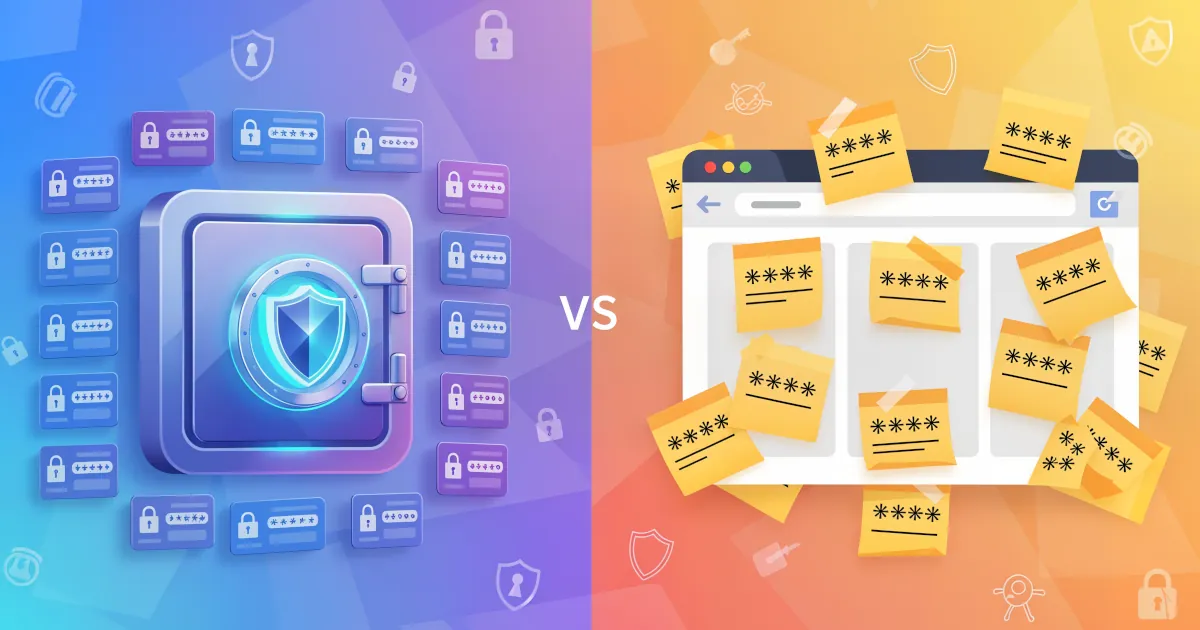
A password manager is usually a smarter choice than browser autofill, especially if you care about your accounts and your money.
Emma Rodriguez
Password manager whose Premium plan includes Hotspot Shield VPN at no extra cost. Best suited to households that will use the bundled VPN.

Password manager built on XChaCha20 encryption and audited twice by Cure53. Its Family plan suits households that want strong security at a low price.

Advanced password manager built around powerful form filling, with secure sharing and comprehensive security features.

Detailed feature analysis, performance, and pricing comparison
Security protocols, server networks, and streaming capabilities compared
Speed, privacy policies, and what users report